Best Focus Apps for ADHD on Mac
12 August 2026
Standard Pomodoro timers require users to select a task and begin working immediately. When facing task initiation resistance, choice paralysis, or shifting motivation, simple countdown clocks often fail to provide sufficient structure. Mac users seeking alternative focus management can evaluate applications that offer guided task breakdowns, visual timelines, anti-procrastination strategies, or gamified progress tracking.
Quick picks:
- Best for staying motivated without deadline pressure: Focus Kitten — Menu bar timer with an interactive kitten companion and room rewards without deadline pressure.
- Best for cross-device visual tracking: Forest — Visual focus timer that grows virtual trees across browser extensions and mobile devices.
- Best for anti-procrastination strategies: Amazing Marvin — Desktop planner with over 100 anti-procrastination features including random task selection and single-task mode.
- Best for visual daily time-blocking: Structured: Daily Planner — Timeline-based daily planner with drag-and-drop scheduling and subtask lists.
- Best for workload management and timeboxing: Sunsama — Workday planner featuring calendar timeboxing, full-screen focus mode, and daily overload warnings.
- Best for visual timing and AI task breakdown: Tiimo — Visual planning application with timeline countdowns and AI-assisted task breakdown for Apple Silicon Macs.
1. Focus Kitten — Best for staying motivated without deadline pressure
Platform: macOS (Apple Silicon and Intel)
Price: a subscription, 14-day free trial without a credit card
Timer location: In the Mac menu bar, native app
Standout feature: Kitten menu bar companion with room customization rewards
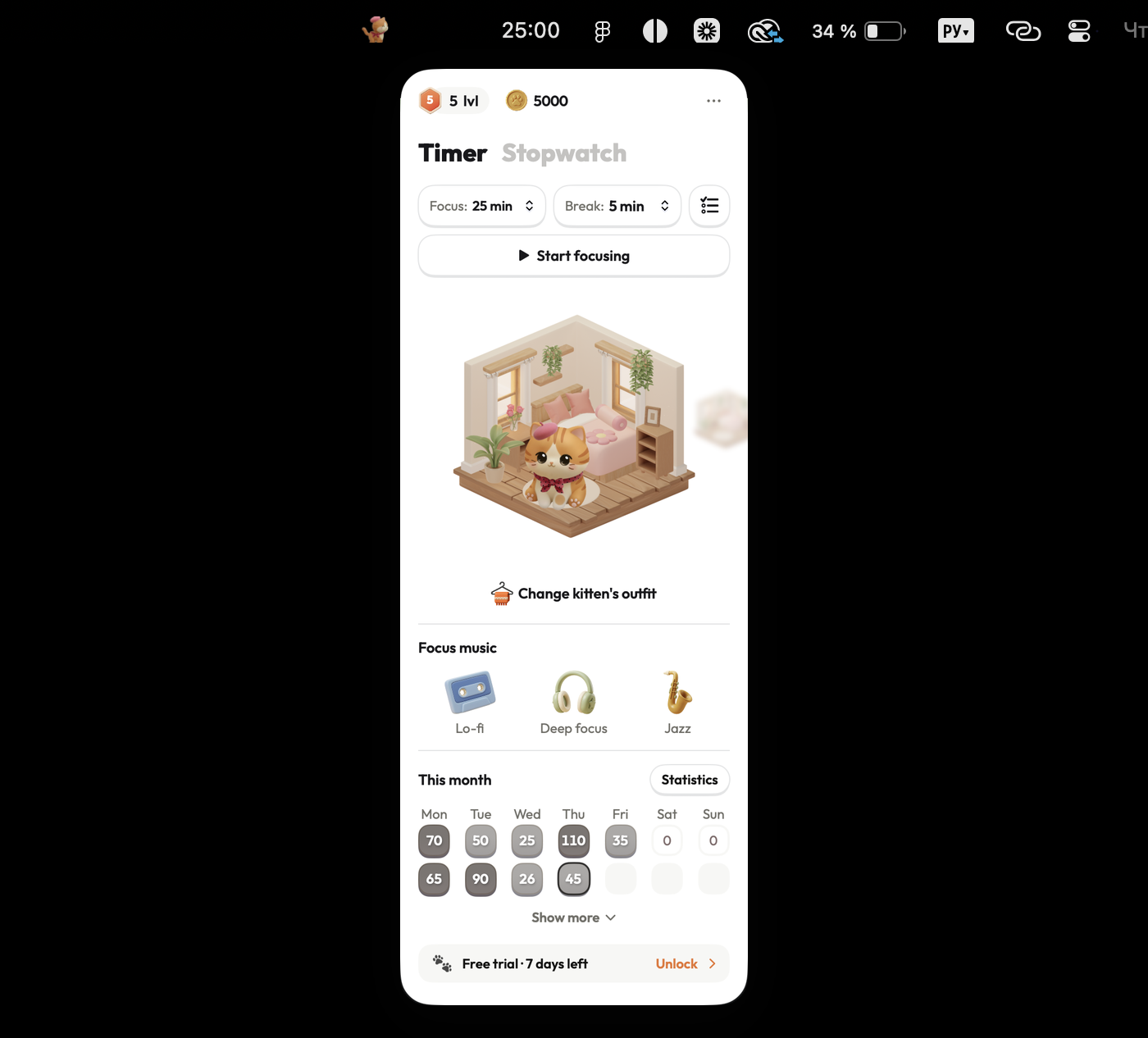
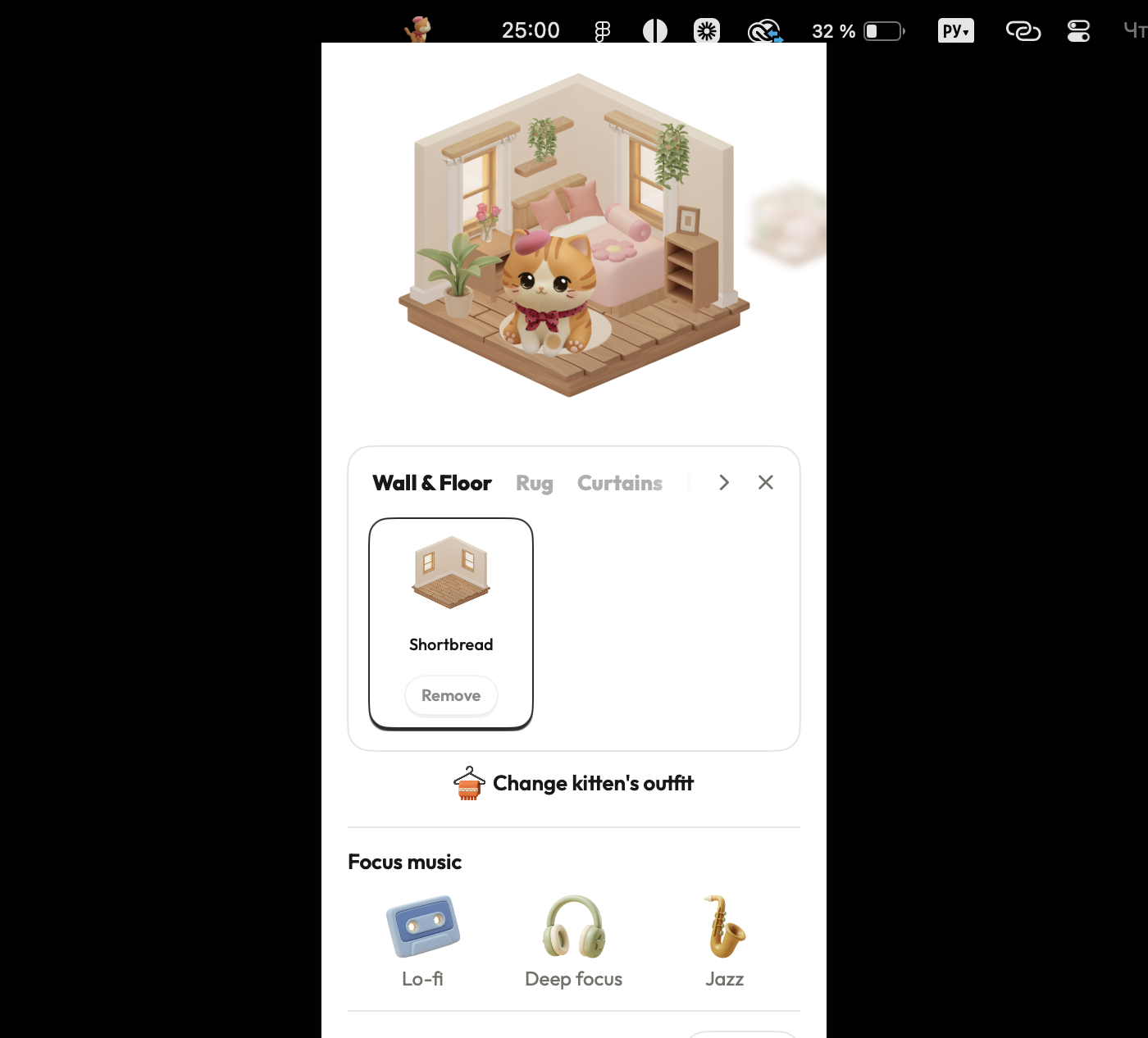
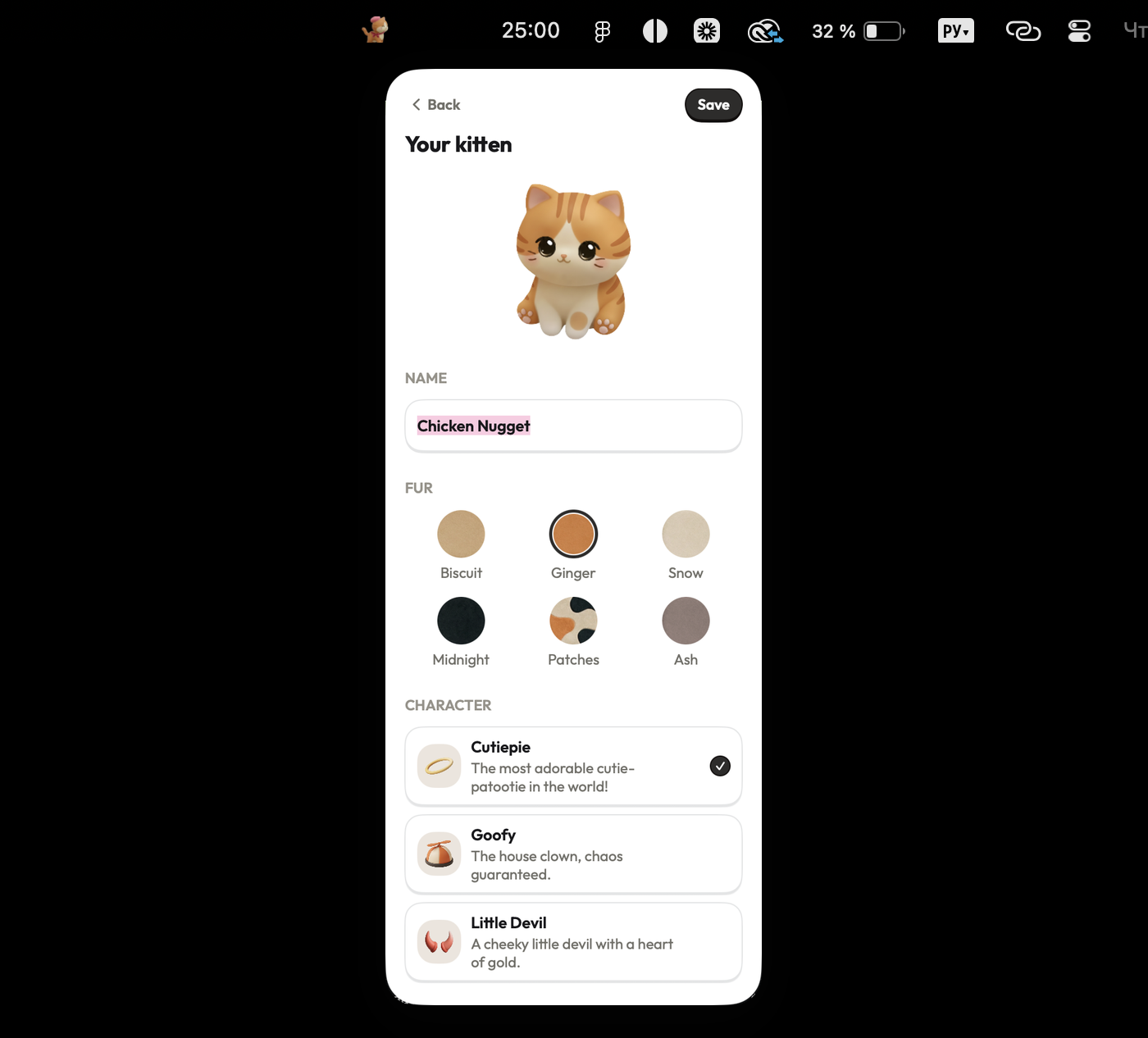
Focus Kitten places a focus timer in the macOS menu bar alongside an interactive kitten companion that develops distinct personality traits over time. Completing customizable focus sessions ranging from 1 to 180 minutes yields virtual coins. Users spend these coins on furniture and outfits to customize the kitten's room, providing visible progress without deadline pressure. Built-in audio options include lo-fi, deep focus, and jazz ambient tracks, accompanied by daily, weekly, and monthly statistical reports.

Pros:
- Runs natively in the Mac menu bar without obstructing workspace
- Provides flexible session lengths from 1 to 180 minutes
- Offers visual coin rewards and room customization without deadline pressure
- Includes built-in ambient audio options (lo-fi, deep focus, jazz)
Cons:
- macOS only, with no Windows, Linux, or mobile apps available
- Paid subscription required following the 14-day free trial
- Does not break down or select tasks for the user
Best for: Staying motivated to focus without deadline pressure or all-or-nothing streaks.
Checked against focuskitten.com (internal data) on 12 August 2026.
2. Forest — Best for cross-device visual tracking
Platform: Chrome and Firefox browser extensions on Mac, mobile app on phone, standalone iOS app
Price: $3.99 on iOS, free with ads on Android
Timer location: Browser extension on Mac, mobile phone
Standout feature: Virtual tree growing mechanics with session forest history
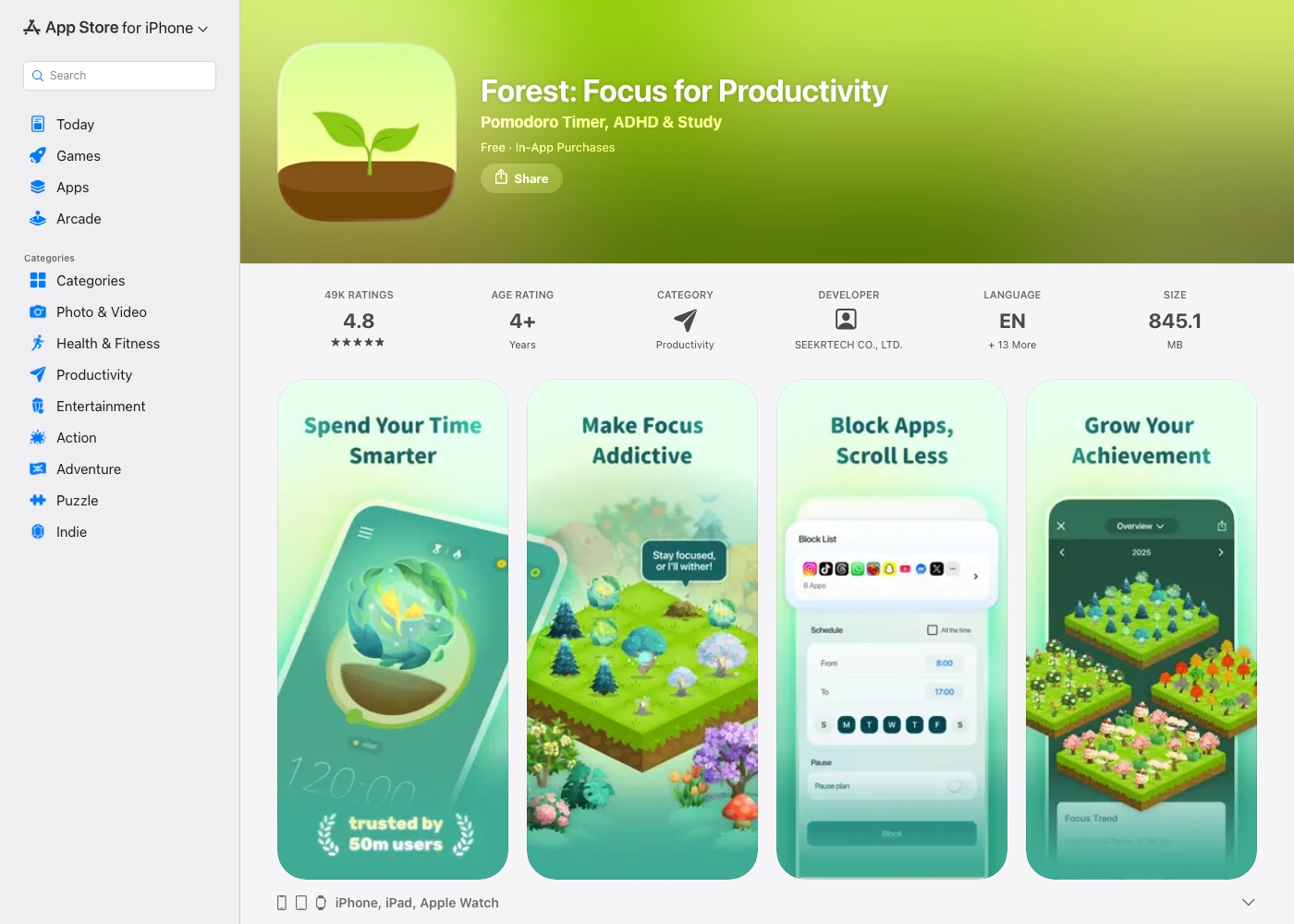
Forest uses visual gamification to keep users from leaving focus sessions. During a timer session, a virtual tree grows on screen and dies if the user leaves the tab. Completed sessions construct a virtual forest representing past focus blocks. On macOS, the service operates as a Chrome or Firefox browser extension rather than a desktop application, with session statistics available across daily, weekly, and monthly views.
Pros:
- Visual representation of completed focus blocks over time
- Cross-device synchronization via user account
- Simple preset interval timers for quick setup
Cons:
- Operates only as a browser extension on Mac without a native macOS app
- Relies on loss avoidance mechanics rather than task breakdown tools
Best for: Visual focus tracking across browser extensions and mobile devices.
Checked against forestapp.cc on 12 August 2026.
3. Amazing Marvin — Best for anti-procrastination strategies
Platform: macOS (native client)
Price: $8/month billed annually, 50% student discount, no free plan, 14-day trial without a credit card
Timer location: Standalone application window, not menu bar
Standout feature: Over 100 customizable anti-procrastination strategies
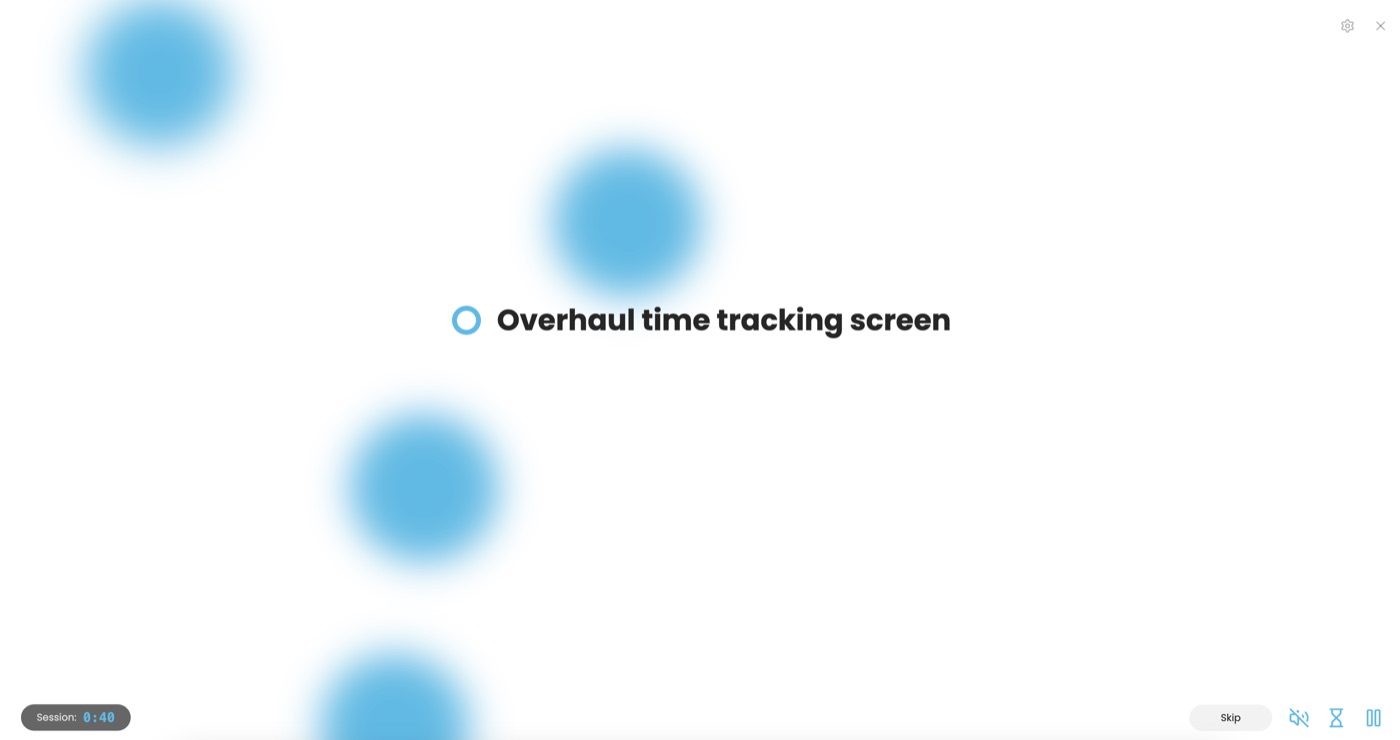
Amazing Marvin is a task planner that incorporates multiple built-in behavioral strategies to assist with task initiation. Features include Super Focus Mode to view one task at a time, Task Jar for random task selection to reduce choice paralysis, Procrastination Wizard for guided task setup, and Accountability Pledges. The native Mac app tracks time data to identify work patterns, while account setup is required for full functionality.
Pros:
- Features over 100 anti-procrastination strategies and workflow customization options
- Includes Task Jar for random task selection and Super Focus Mode for single-task display
- Guided Procrastination Wizard breaks down initial task resistance
Cons:
- Requires a standalone desktop window rather than menu bar operation
- No permanent free plan available following the 14-day trial
Best for: Extensive anti-procrastination strategies and guided task initiation.
Checked against amazingmarvin.com on 12 August 2026.
4. Structured: Daily Planner — Best for visual daily time-blocking
Platform: macOS (Mac App Store, requires macOS 14.0+)
Price: Free with in-app purchases; Pro from $2.99/month to $99.99 lifetime
Timer location: Standalone window displaying a daily timeline
Standout feature: Drag-and-drop daily time-blocking with integrated Pomodoro blocks
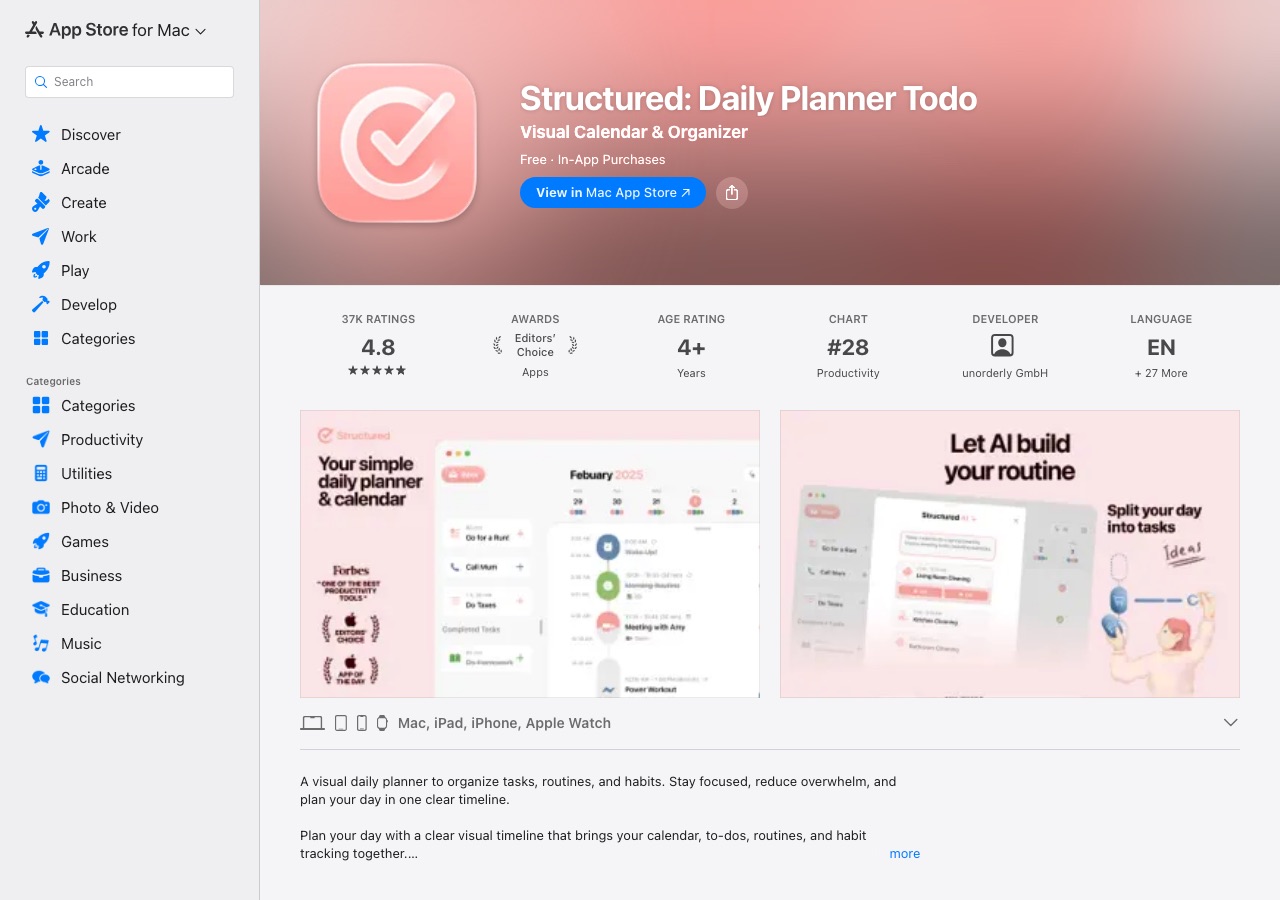
Structured combines daily scheduling with visual time-blocking on macOS. Users drag and drop tasks onto a central timeline, divide larger goals into subtasks with notes, and run built-in Pomodoro timers within designated time blocks. Tasks feature color coding and visual checkmarks upon completion. Account creation is optional for standalone use and required only for cloud synchronization.
Pros:
- Visual timeline interface with drag-and-drop task scheduling
- Allows subtask breakdowns with notes and color coding
- Basic features available without mandatory account registration
Cons:
- Focus positioning is less explicit on the main website than in the App Store listing
- Statistics reporting details are not specified in app details
- Mac version requires macOS 14.0 or newer
Best for: Visual daily time-blocking and subtask organization.
Checked against Structured listing in the Mac App Store on 12 August 2026.
5. Sunsama — Best for workload management and timeboxing
Platform: macOS (native desktop client with menu bar features)
Price: $25/month billed monthly, $20/month billed annually, no free plan, 14-day trial without a credit card
Timer location: Standalone window with menu bar functionality
Standout feature: Daily work hour limits with workload overload warnings
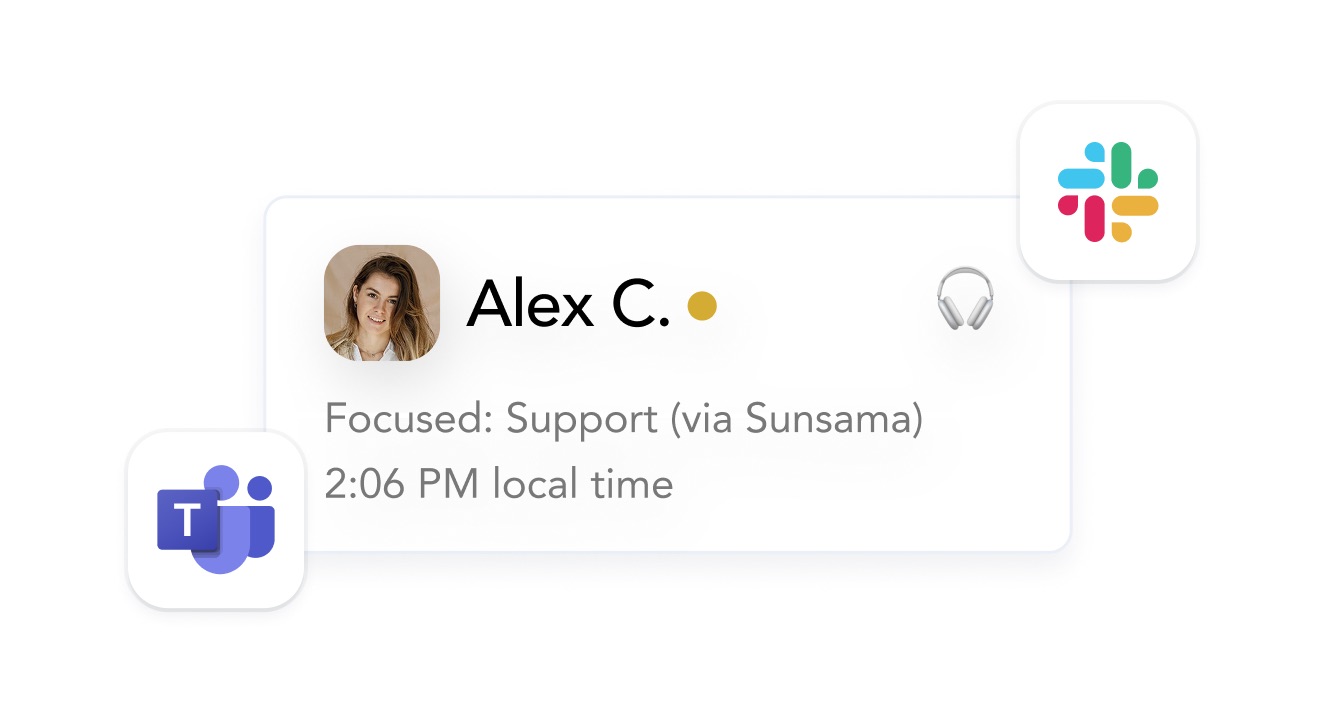
Sunsama is a daily planning application that provides calendar timeboxing and workload management. The native Mac desktop client features a Focus Mode that expands the current task to full screen, alongside menu bar timer capabilities. Sunsama prompts users to set daily work hour limits, issuing warnings when planned tasks exceed available time. Weekly reviews provide time analytics and pattern tracking.
Pros:
- Full-screen Focus Mode removes desktop distractions
- Warns users when daily task scheduling exceeds set working hour limits
- Offers calendar timeboxing alongside menu bar timer controls
Cons:
- Highest subscription pricing among options on this list
- No permanent free plan available after the 14-day trial
Best for: Daily planning, calendar timeboxing, and workload overload prevention.
Checked against sunsama.com/for-adhd on 12 August 2026.
6. Tiimo — Best for visual timing and AI task breakdown
Platform: macOS (Mac App Store, requires Mac with Apple M1 chip or newer)
Price: Free plan available; Pro pricing ranges from $7 to $54 in the App Store depending on period
Timer location: Standalone application with timeline and widgets, not menu bar
Standout feature: Visual timer interface and AI-assisted task breakdown
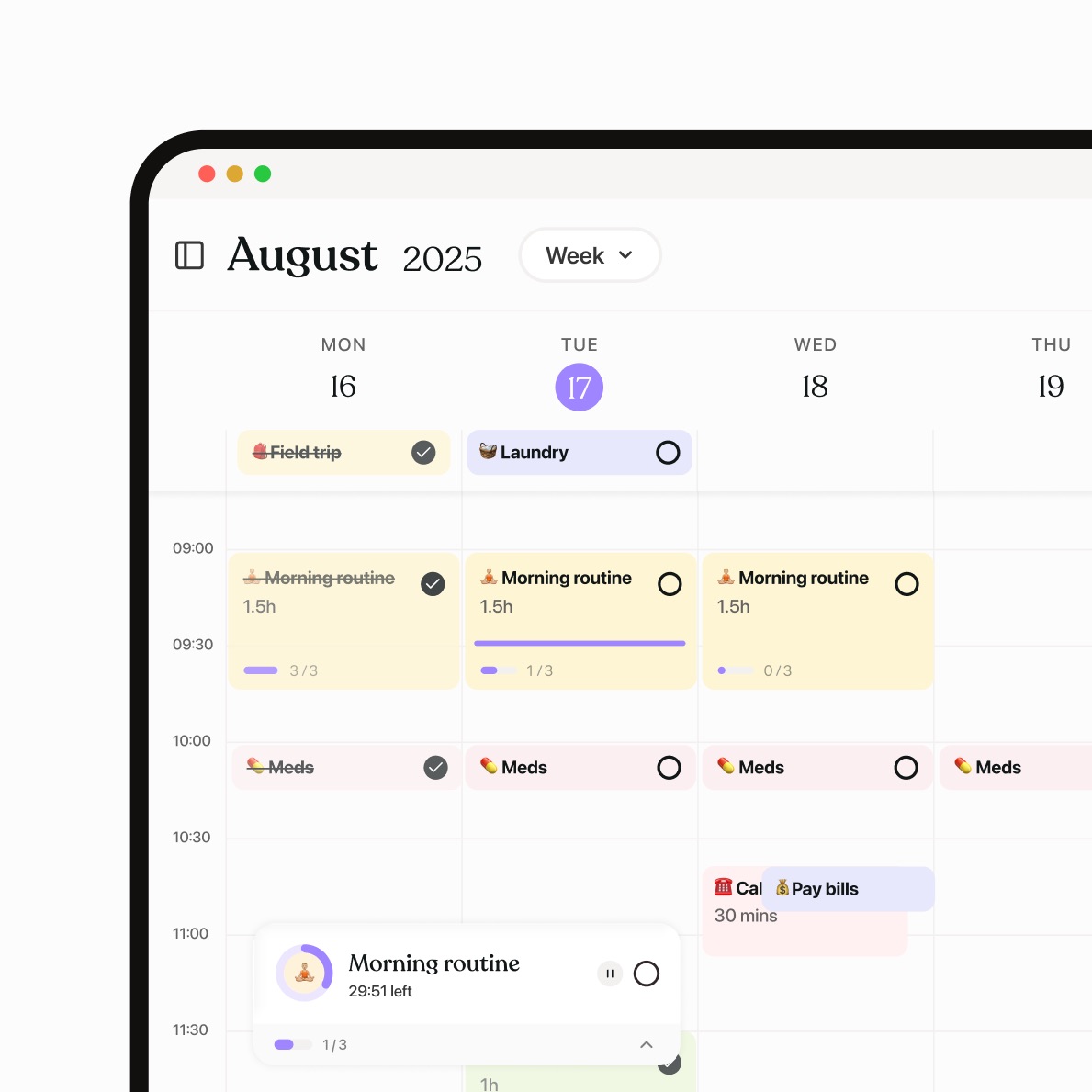
Tiimo is a visual planning and timing tool developed in collaboration with focus and autism experts. The app features visual countdown timelines to assist with time perception, alongside AI tools that automatically divide complex tasks into smaller estimated steps. The Mac application includes desktop widgets and personal analytics insights mentioned in the App Store listing.
Pros:
- Visual timer and countdown tools designed for time perception support
- AI-assisted task breakdown splits projects into estimated actionable steps
- Free plan tier available
Cons:
- Mac App Store version requires a Mac with an Apple M1 chip or newer
- Operates as a standalone window rather than a menu bar utility
Best for: Visual time tracking and AI-assisted task breakdown on Apple Silicon Macs.
Checked against Tiimo listing in the Mac App Store on 12 August 2026.