Focus Kitten vs the iPhone timer
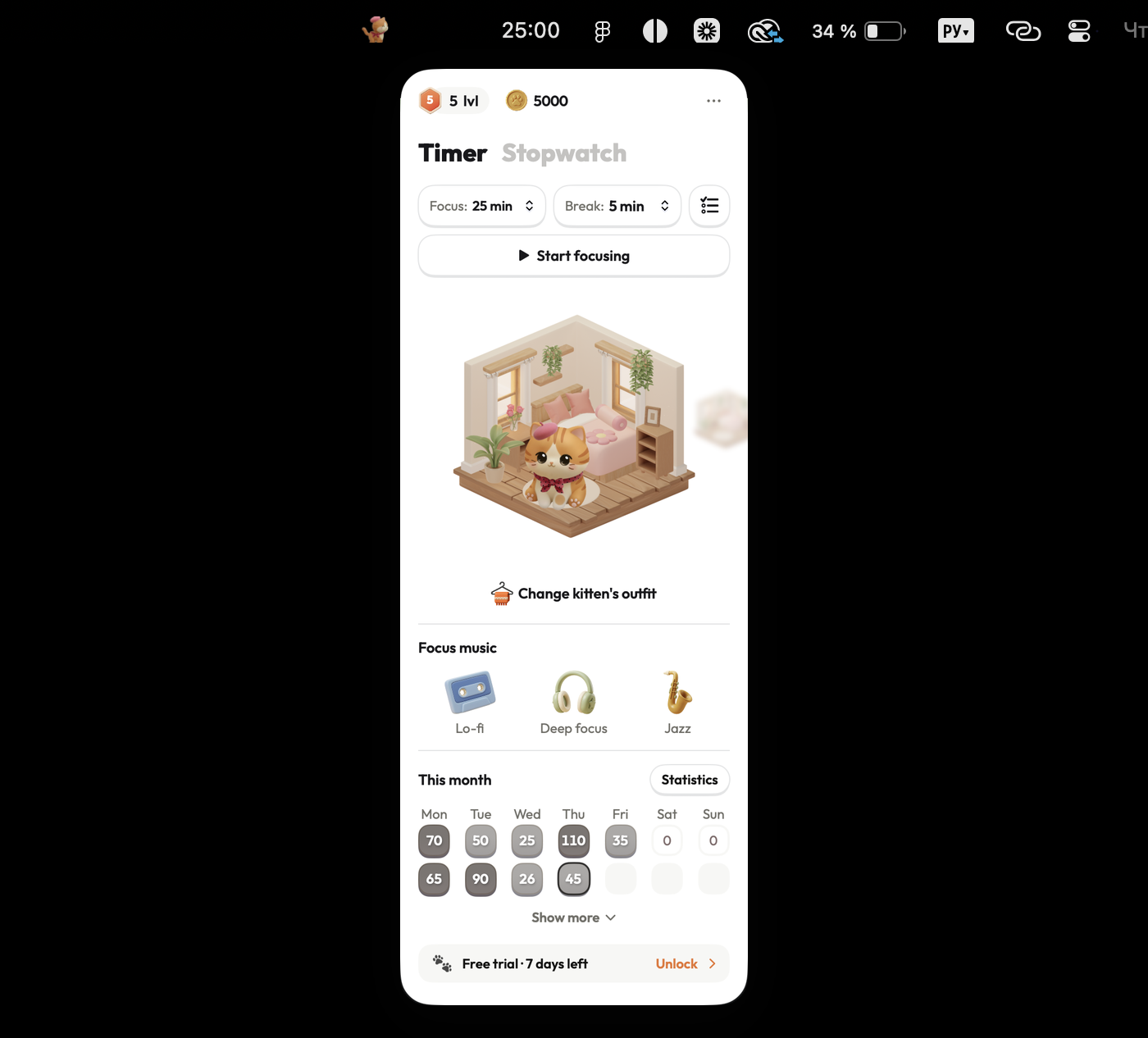
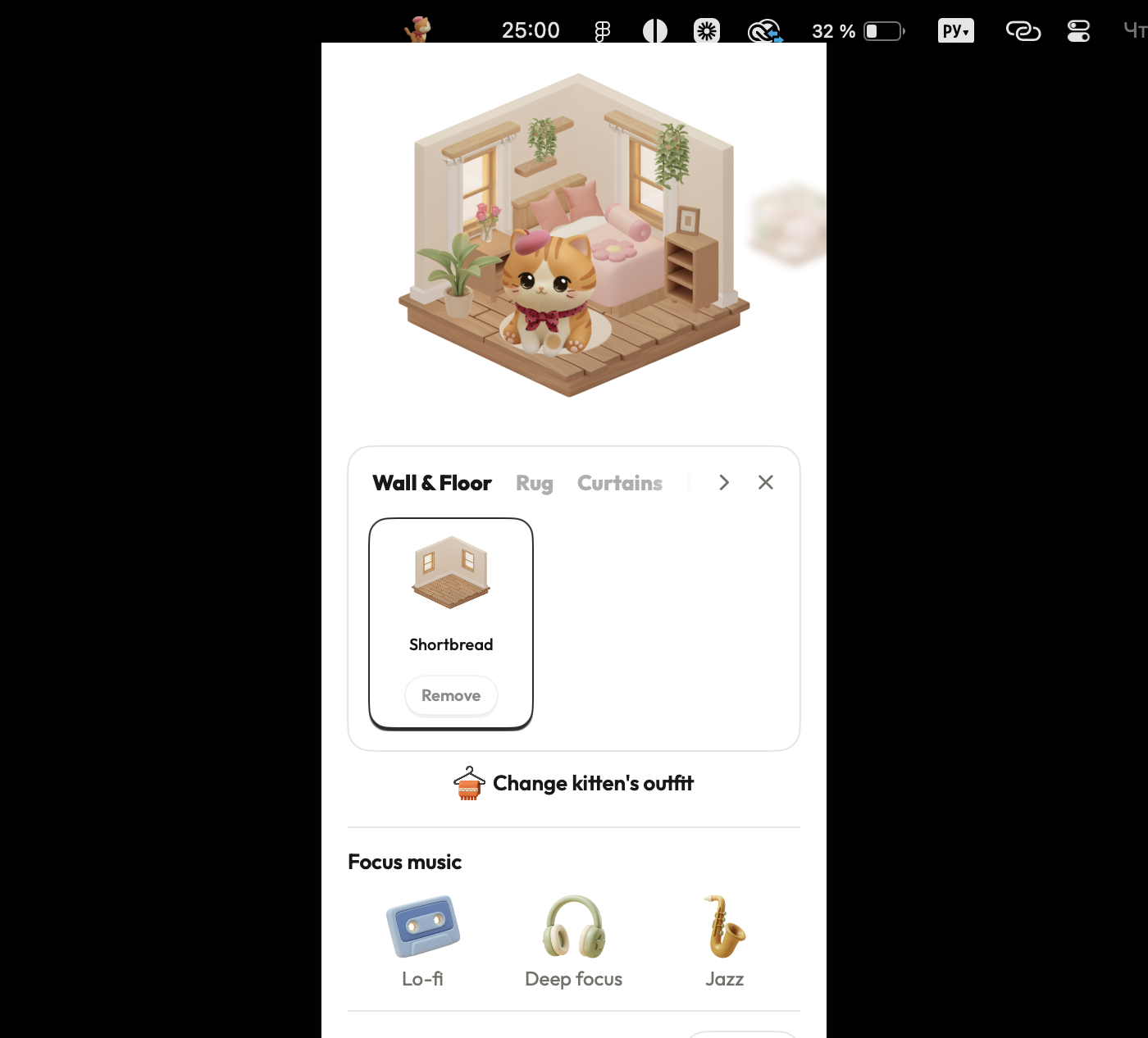
The iPhone Clock app provides a basic countdown timer that sits on your desk beside your Mac. Focus Kitten lives in your Mac menu bar, keeping your work timer on screen while turning finished focus sessions into a furnished room.
| Focus Kitten | The iPhone timer | |
|---|---|---|
| Timer location | ✓In the Mac menu bar, visible without switching apps | On your iPhone screen, separate from Mac |
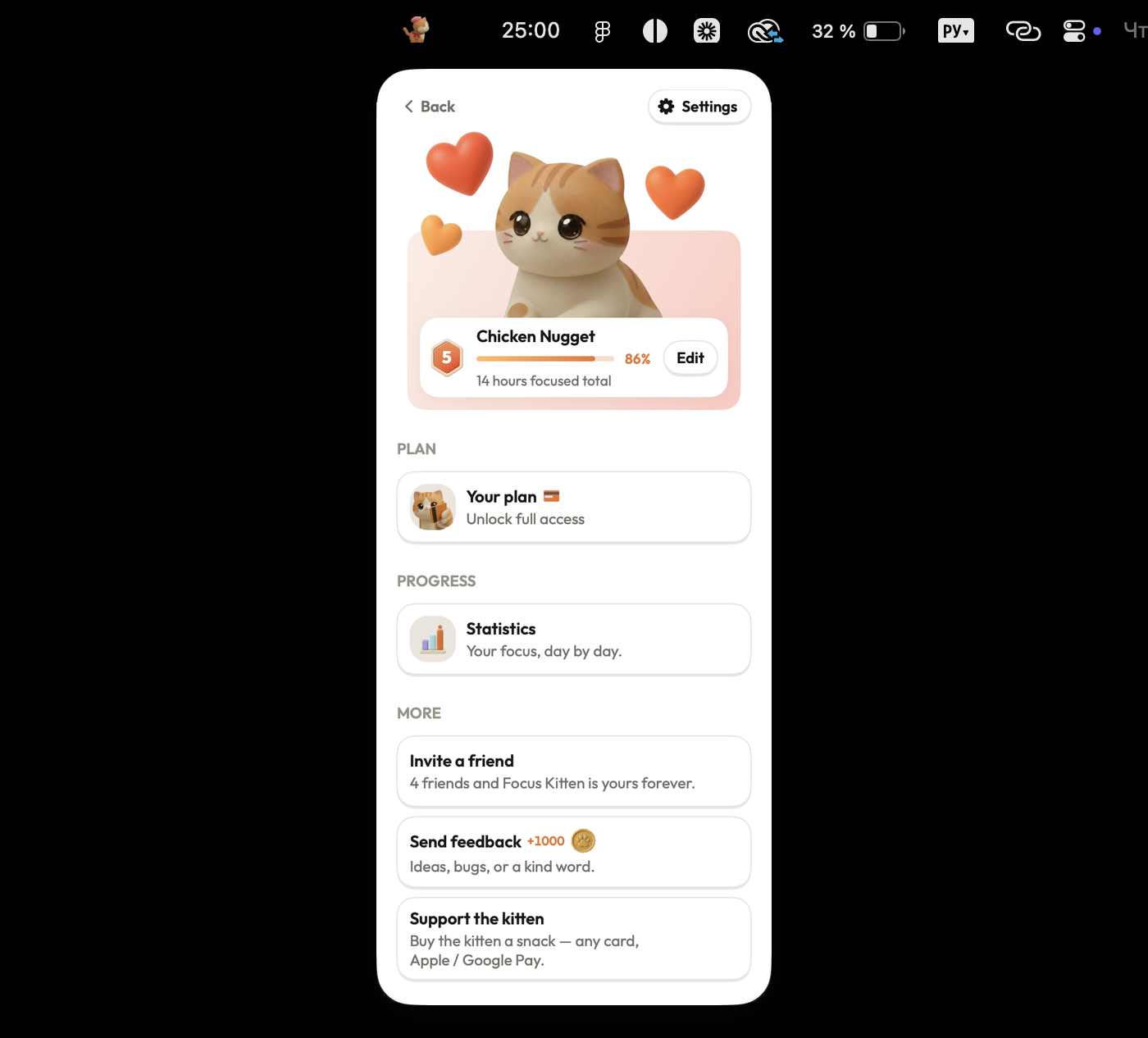
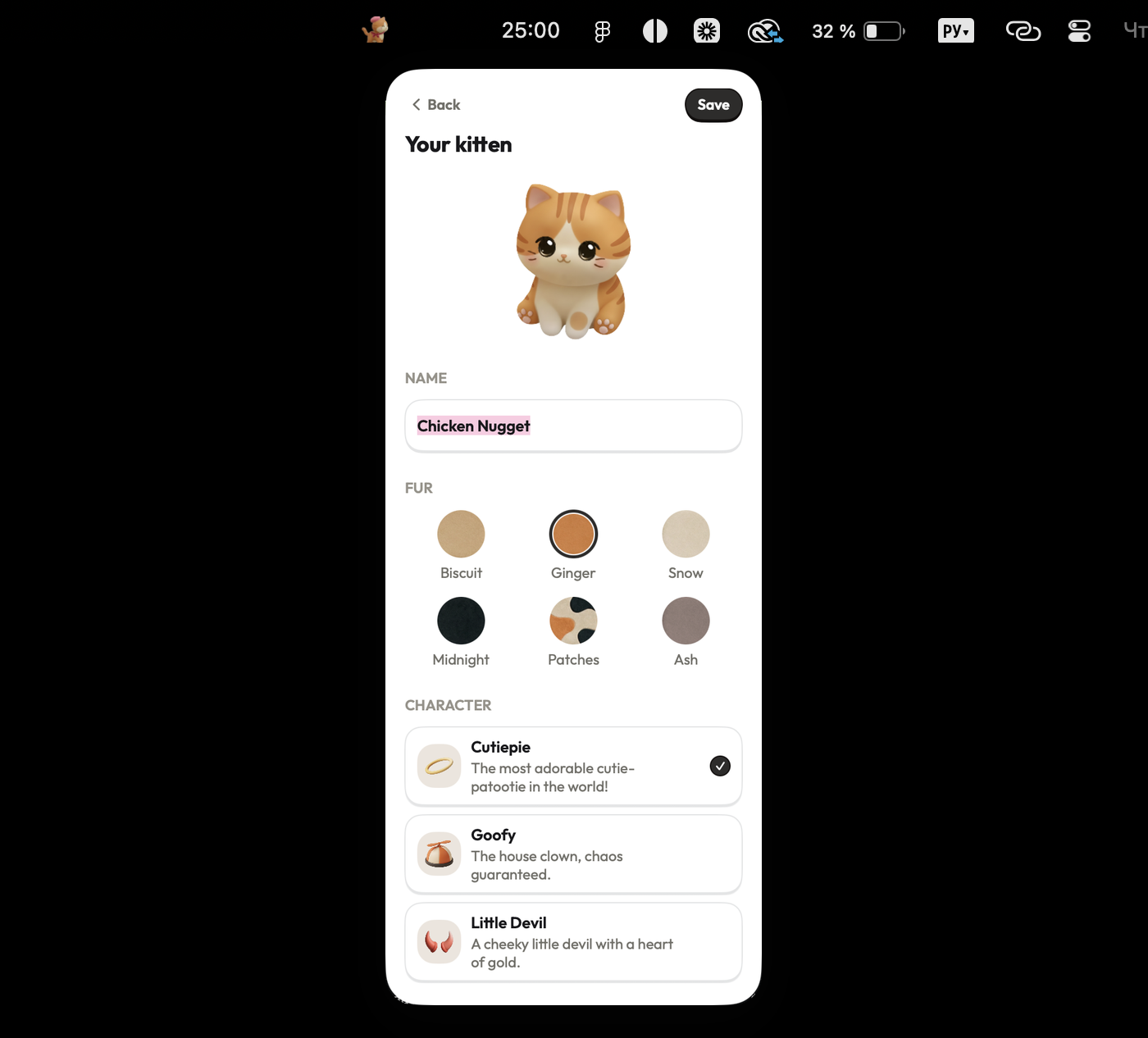
| Work companion | ✓A named kitten with six colors, sitting beside you | No companion, the timer counts alone |
| Gamification | ✓Coins for finished sessions, building a room over time | No rewards, sessions leave no trace |
| Session length | ✓1 to 180 minutes, fitting short or long tasks | ✓Custom durations, set on demand |
| Break length | ✓0 to 30 minutes, or no break at all | ✓Secondary manual timers, set for breaks |
| Session finish | ✓A chime and a spoken response from your kitten | ✓Selected alarm tones, sounding at zero |
| Statistics | ✓Daily, weekly, and monthly totals in the popover | No history recorded, clearing when done |
| Stopwatch | ✓Counts up for work without a set length | ✓A built-in stopwatch mode in the Clock app |
| Built-in music | ✓Lo-fi, deep focus, and jazz tracks built in | No audio options, silent while counting |
| Account | ✓No sign-up or account needed, opens instantly | ✓Built into iOS, available without sign-up |
Checked against Apple's Clock app on 11 August 2026.
Screenshots
Ready for a better focus routine?
It takes 10 seconds to set up, runs natively on your Mac menu bar, and comes with 14 days free.
Download on theApp Store