Focus Kitten vs a Pomodoro timer
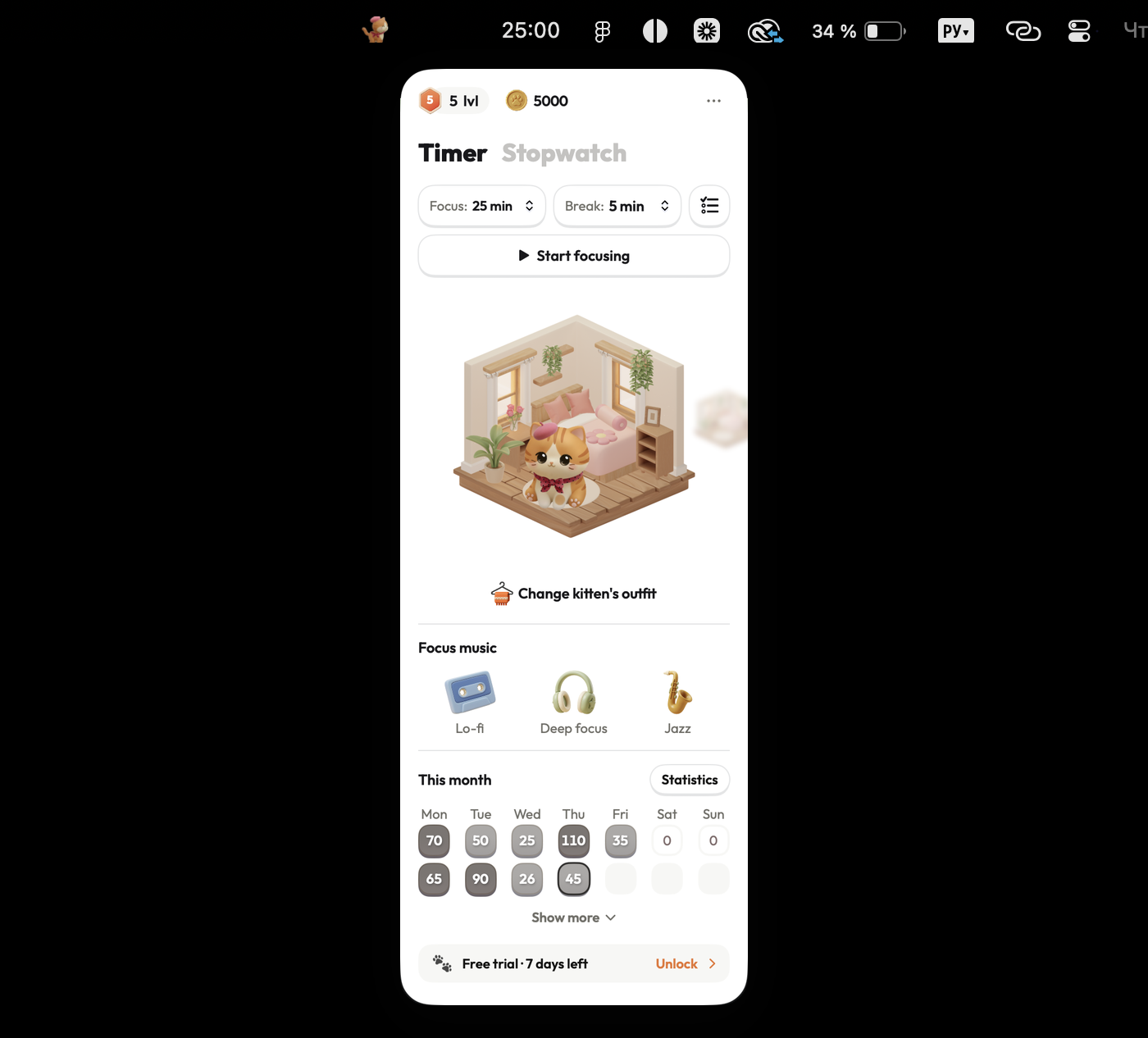
Standard Pomodoro timers split work into fixed 25-minute blocks with periodic alarms. Focus Kitten brings flexible session lengths to your Mac menu bar, giving you a companion beside the clock and rewards for every finished session.
| Focus Kitten | A Pomodoro timer | |
|---|---|---|
| Timer location | ✓In the Mac menu bar, visible without switching apps | In a browser tab or window, hidden under tabs |
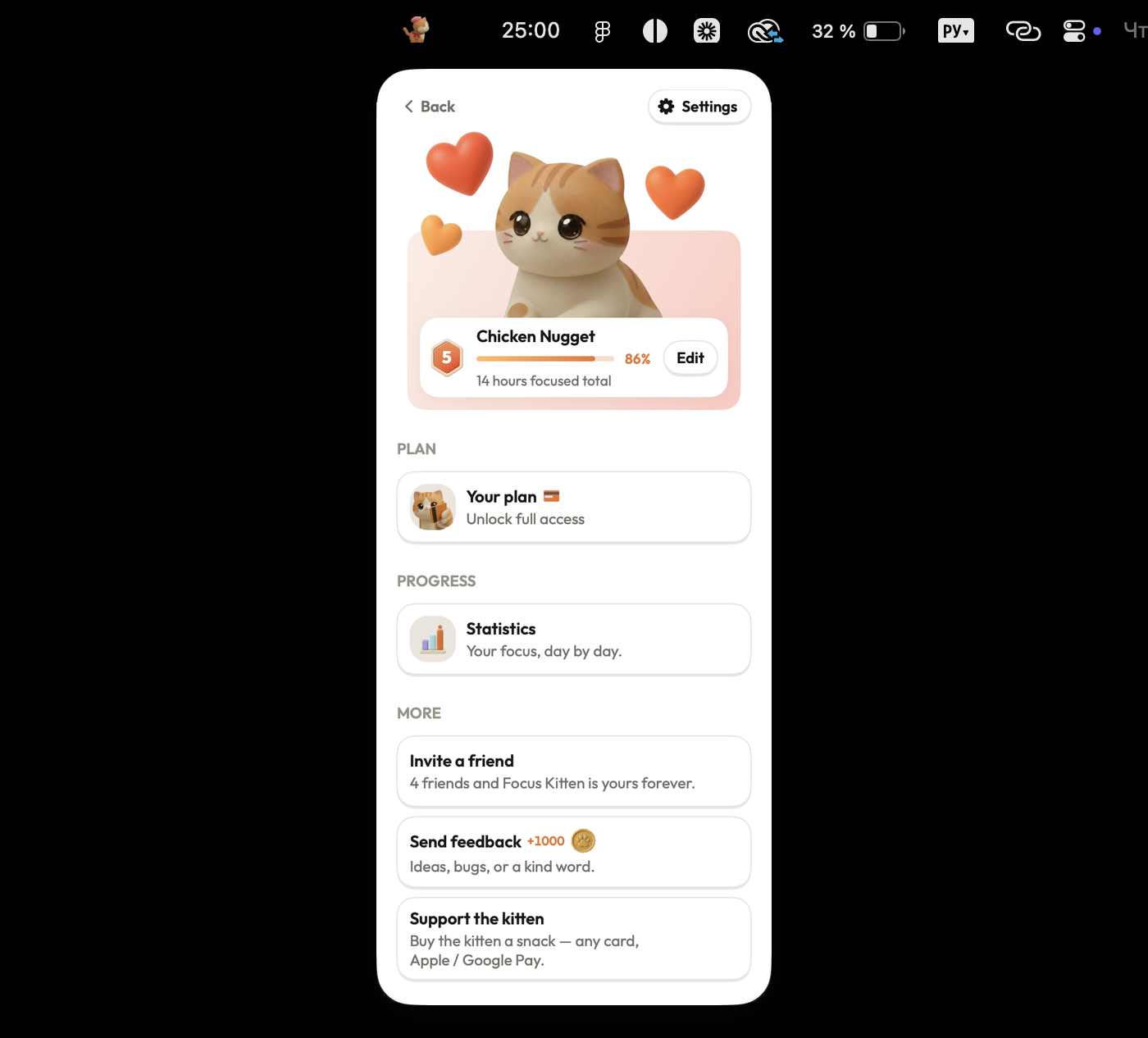
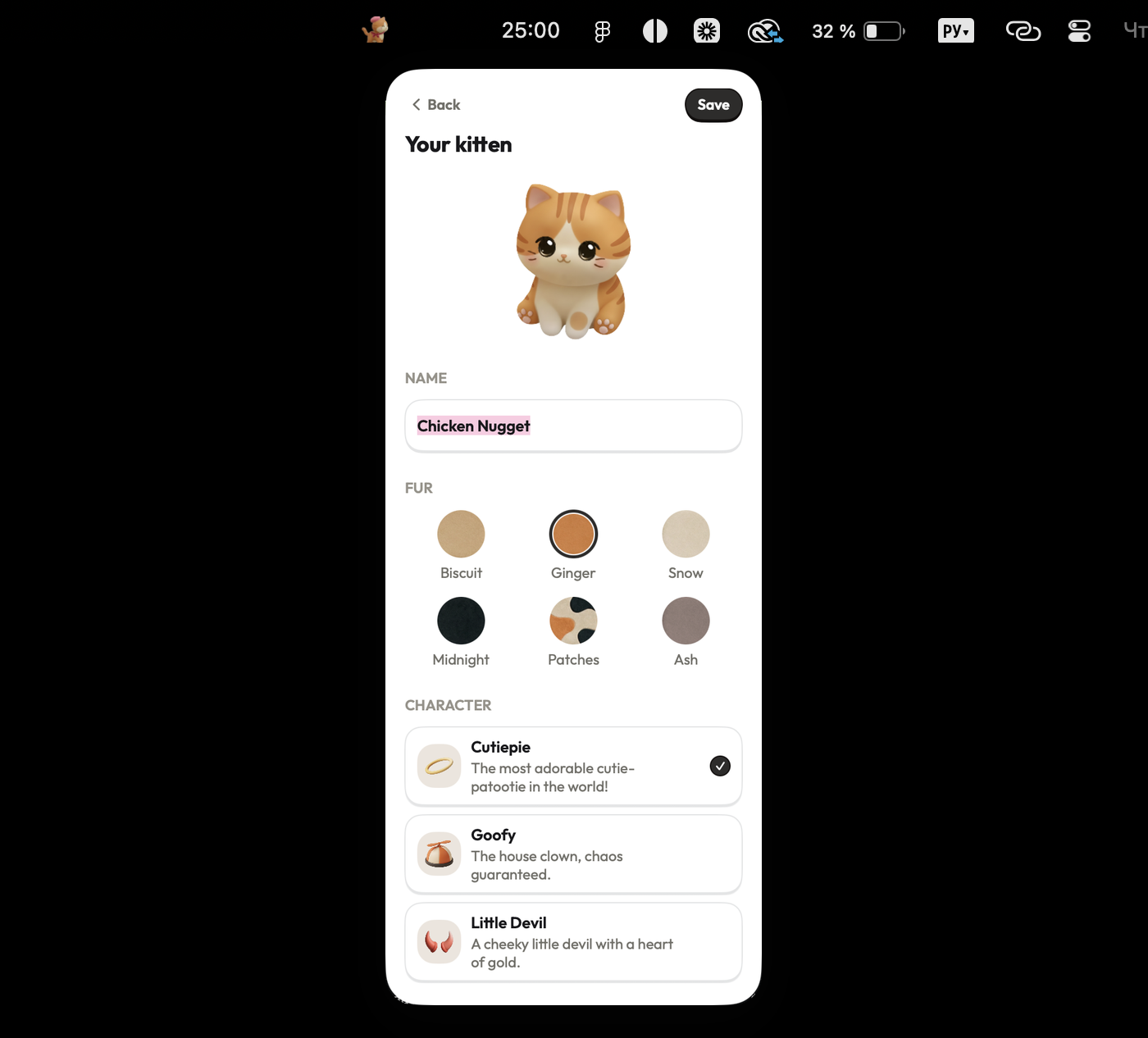
| Work companion | ✓A named kitten with six colors, sitting beside you | No companion, the timer counts alone |
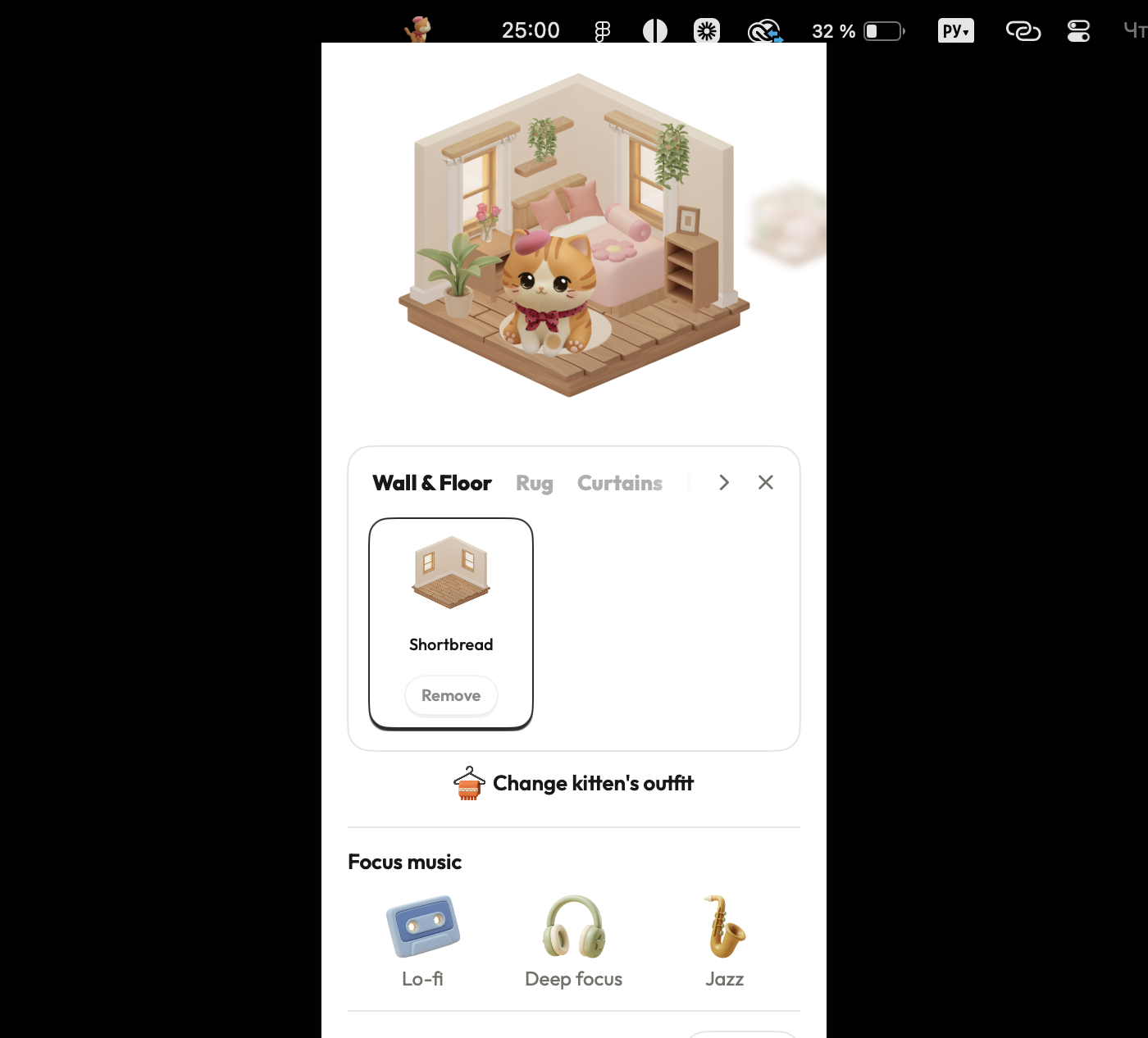
| Gamification | ✓Coins for finished sessions, building a room over time | No rewards, sessions leave no trace |
| Session length | ✓1 to 180 minutes, fitting short or long tasks | Fixed 25-minute sessions, set by default |
| Break length | ✓0 to 30 minutes, or no break at all | Fixed 5-minute breaks, increasing every four cycles |
| Session finish | ✓A chime and a spoken response from your kitten | ✓An audio alarm, sounding when time ends |
| Statistics | ✓Daily, weekly, and monthly totals in the popover | No session data kept once time ends |
| Stopwatch | ✓Counts up for work without a set length | Countdown only, requires a set length first |
| Built-in music | ✓Lo-fi, deep focus, and jazz tracks built in | No audio options, silent while counting |
| Account | ✓No sign-up or account needed, opens instantly | ✓No sign-up or account needed, opens instantly |
Describes the Pomodoro method as most timers ship it.
Screenshots
Ready for a better focus routine?
It takes 10 seconds to set up, runs natively on your Mac menu bar, and comes with 14 days free.
Download on theApp Store