Best Menu Bar Productivity Apps for Mac
12 August 2026
Creating a productivity toolkit in the macOS menu bar allows users to control daily workflows directly from the top screen header. Beyond focus timing tools, menu bar utilities handle tasks such as icon organization, calendar viewing, automatic time tracking, and system sleep prevention. Evaluating these software tools side by side helps identify which options best fit specific Mac desktop workflows.
Quick picks:
- Best for staying motivated to focus: Focus Kitten — Native menu bar timer with an interactive kitten companion, room rewards, and ambient audio.
- Best for menu bar icon management: Bartender 6 — Utility for hiding and organizing menu bar icons with custom triggers and notch support.
- Best for quick calendar access: Itsycal — Lightweight calendar widget displaying up to two months from the menu bar with event creation.
- Best for AI-assisted project time tracking: Rize — Automatic time tracker in the menu bar with AI activity sorting, distraction alerts, and break reminders.
- Best for automatic app and document time tracking: Timing — Background time tracker recording software, document, and website usage with client reporting.
- Best for system keep-awake automation: Amphetamine — Free menu bar utility that prevents Mac sleep using triggers based on devices, Wi-Fi, battery, or running software.
1. Focus Kitten — Best for staying motivated to focus
Platform: macOS (Apple Silicon and Intel)
Price: a subscription, 14-day free trial without a credit card
Timer location: In the Mac menu bar
Standout feature: Kitten menu bar companion with customizable room rewards
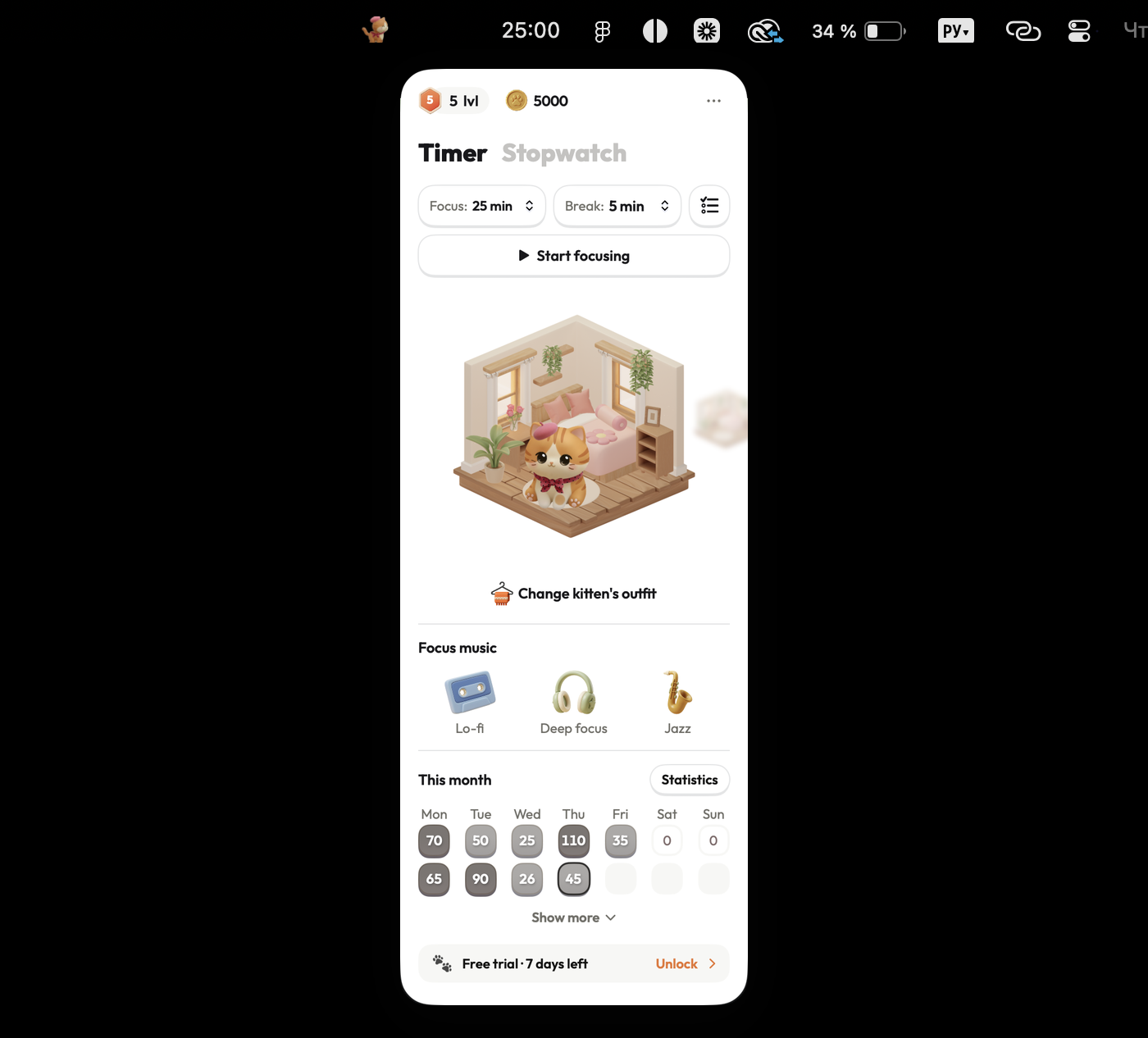
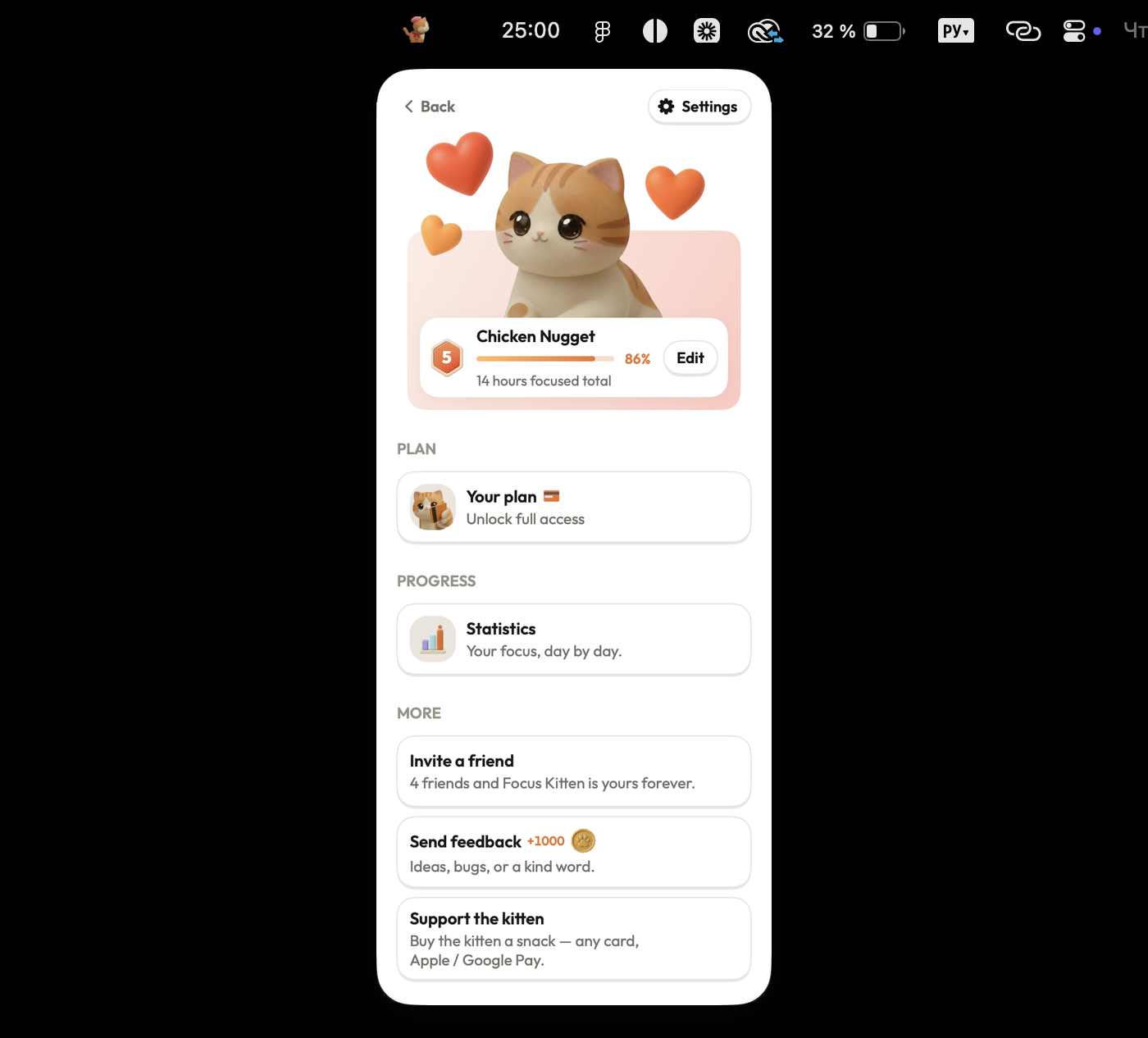
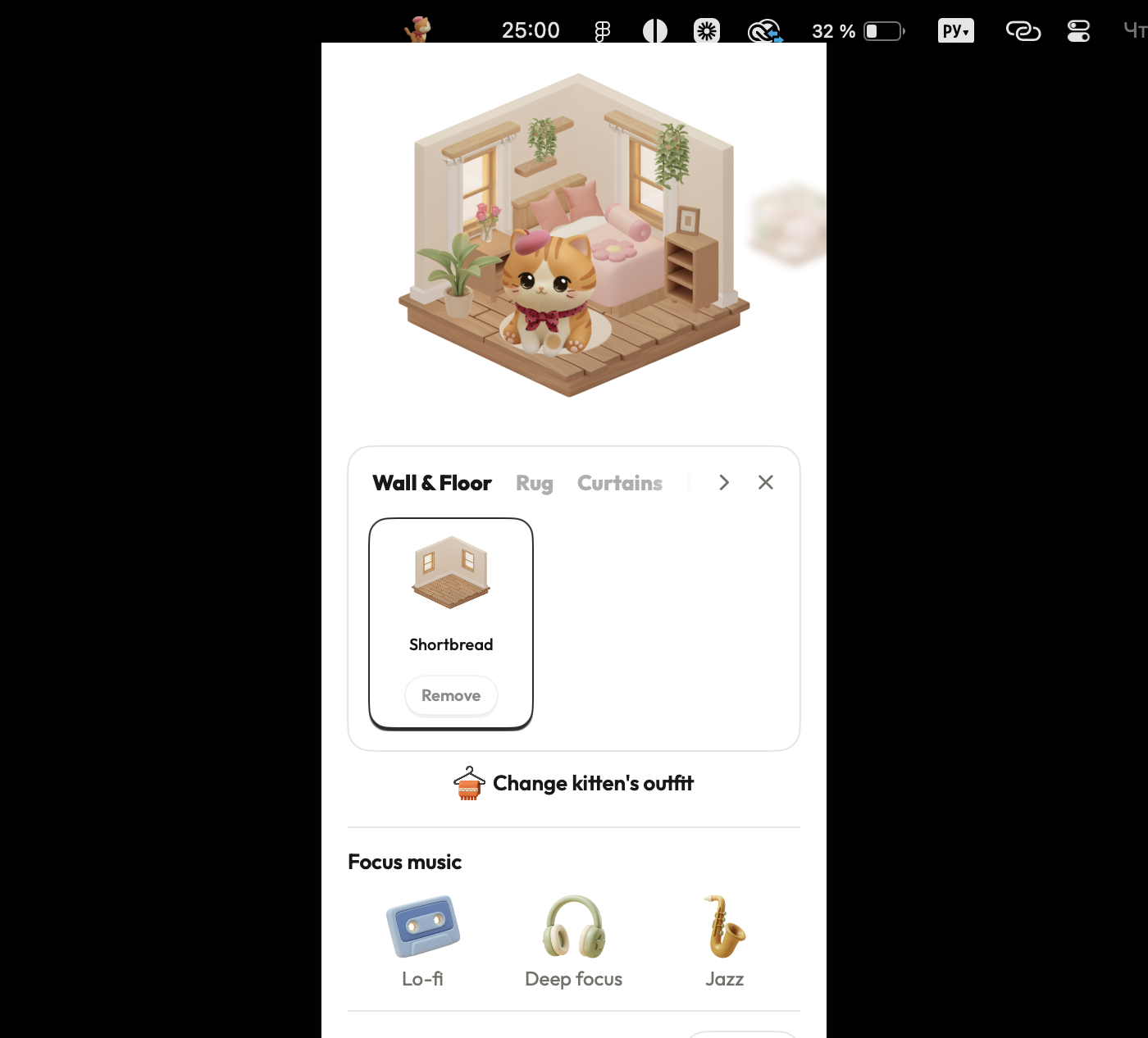
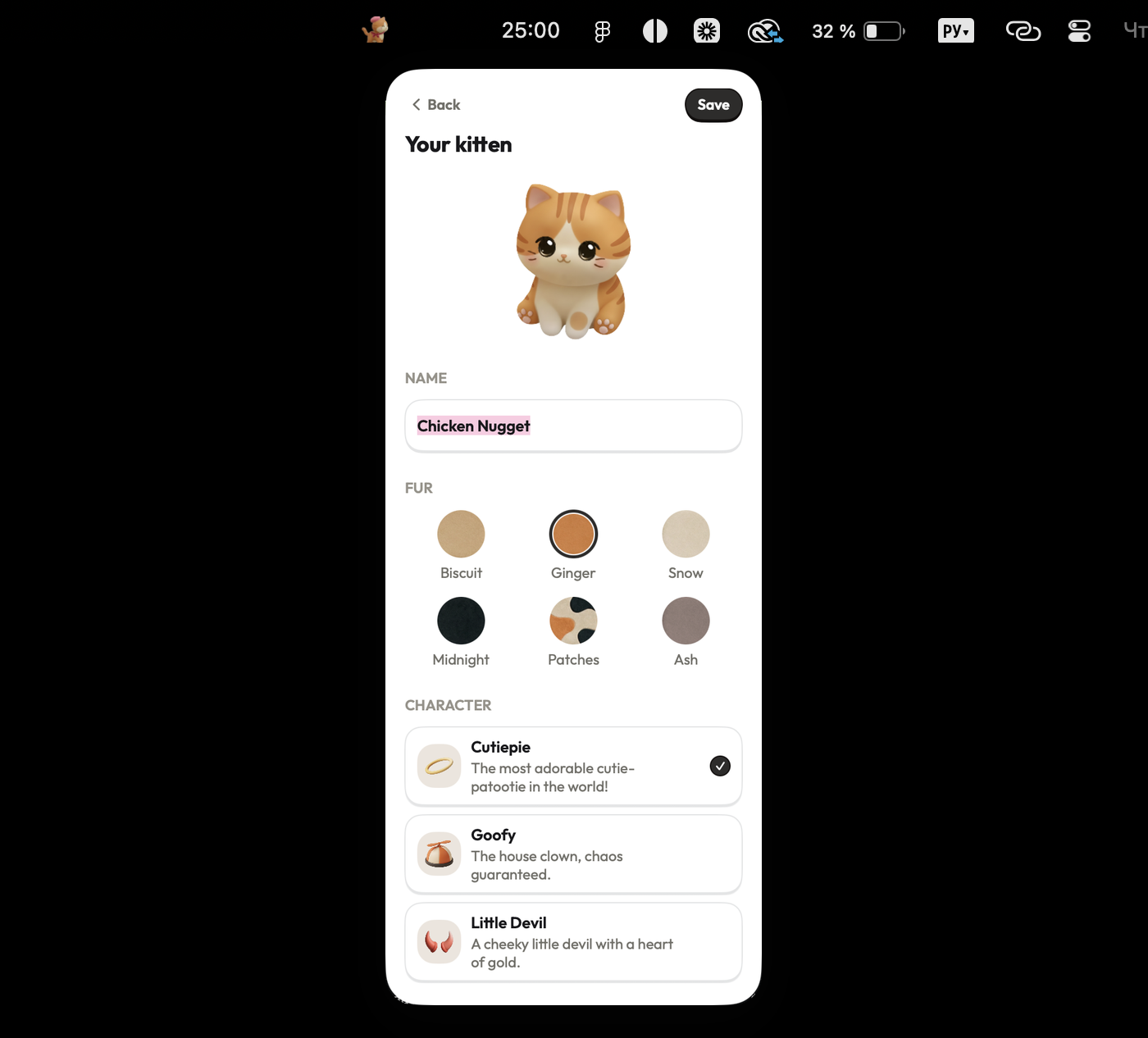
Focus Kitten places a focus timer in the macOS menu bar alongside an animated kitten companion that develops distinct personality traits over time. Completing focus sessions between 1 and 180 minutes yields virtual coins to purchase furniture and outfits for the kitten's room. Built-in audio features include lo-fi, deep focus, and jazz ambient tracks, accompanied by daily, weekly, and monthly statistical reports.
Pros:
- Runs natively in the macOS menu bar without taking up window space
- Offers flexible session lengths from 1 to 180 minutes
- Includes built-in ambient audio tracks (lo-fi, deep focus, jazz)
- Features visual coin rewards and room customization
Cons:
- macOS only, with no Windows, Linux, or mobile versions available
- Paid subscription required following the 14-day free trial
- Solves only focus timing, without general time tracking or menu bar organization
Best for: Staying motivated through focus sessions, alongside the rest of your menu bar tools.
Checked against focuskitten.com (internal data) on 12 August 2026.
2. Bartender 6 — Best for menu bar icon management
Platform: macOS (Tahoe/Sequoia required for Bartender 6; Bartender 5 required for older versions)
Price: Not specified in app details
Timer location: In the Mac menu bar
Standout feature: Menu bar icon hiding and reveal controls via swipe, scroll, or hover
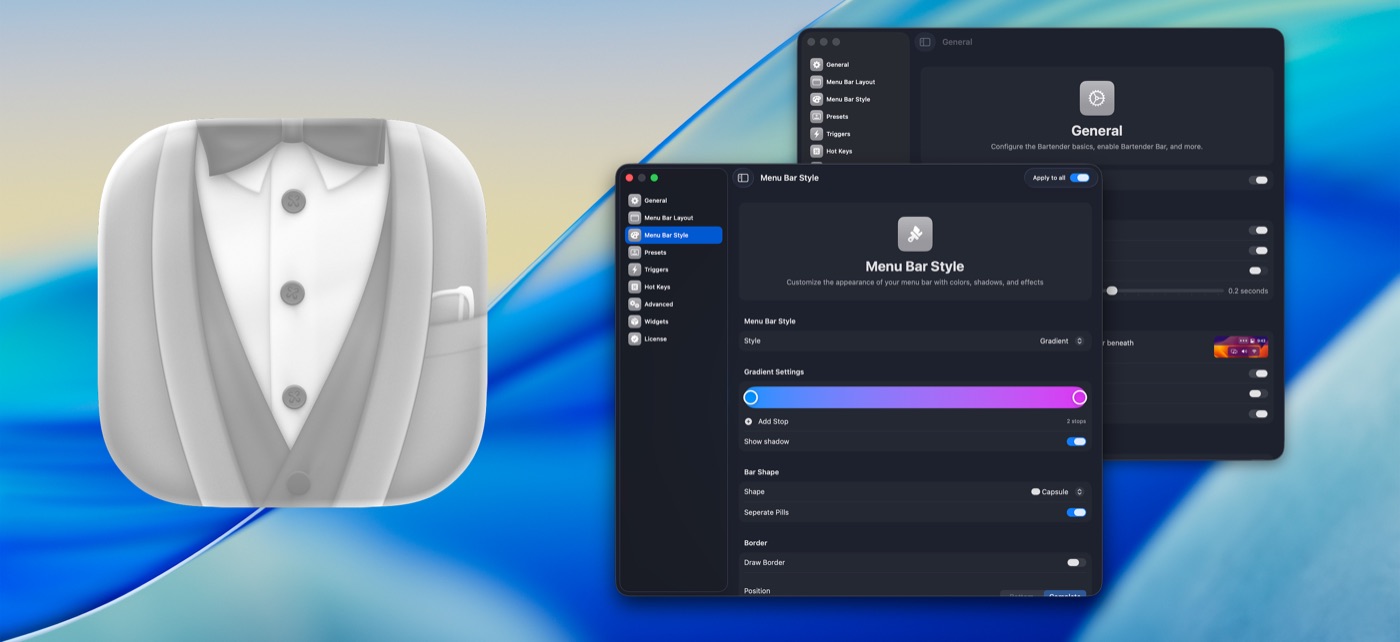
Bartender 6 manages menu bar icon clutter on macOS. The utility allows users to hide, show, and group menu bar items, revealing them through swipe, scroll, or hover actions. Features include icon search, hotkey support, trigger-based automation, and layout compatibility with Mac screen notches. Trial options include a 4-week trial without a credit card for Bartender 6 and a 7-day trial for Bartender Pro. Account creation is not required.
Pros:
- Hides and organizes menu bar icons using custom swipe, scroll, or hover triggers
- Includes icon search and layout support for Mac screen notches
- Offers trial periods without requiring credit card details or account setup
Cons:
- Price is not specified in app details
- Bartender 6 requires recent macOS versions (Tahoe/Sequoia), requiring Bartender 5 for older operating systems
- Does not track work time or manage focus sessions
Best for: Mac users seeking to declutter and organize menu bar icons with automated triggers.
Checked against macbartender.com on 12 August 2026.
3. Itsycal — Best for quick calendar access
Platform: macOS
Price: Free
Timer location: In the Mac menu bar
Standout feature: Displays up to two calendar months directly from the menu bar
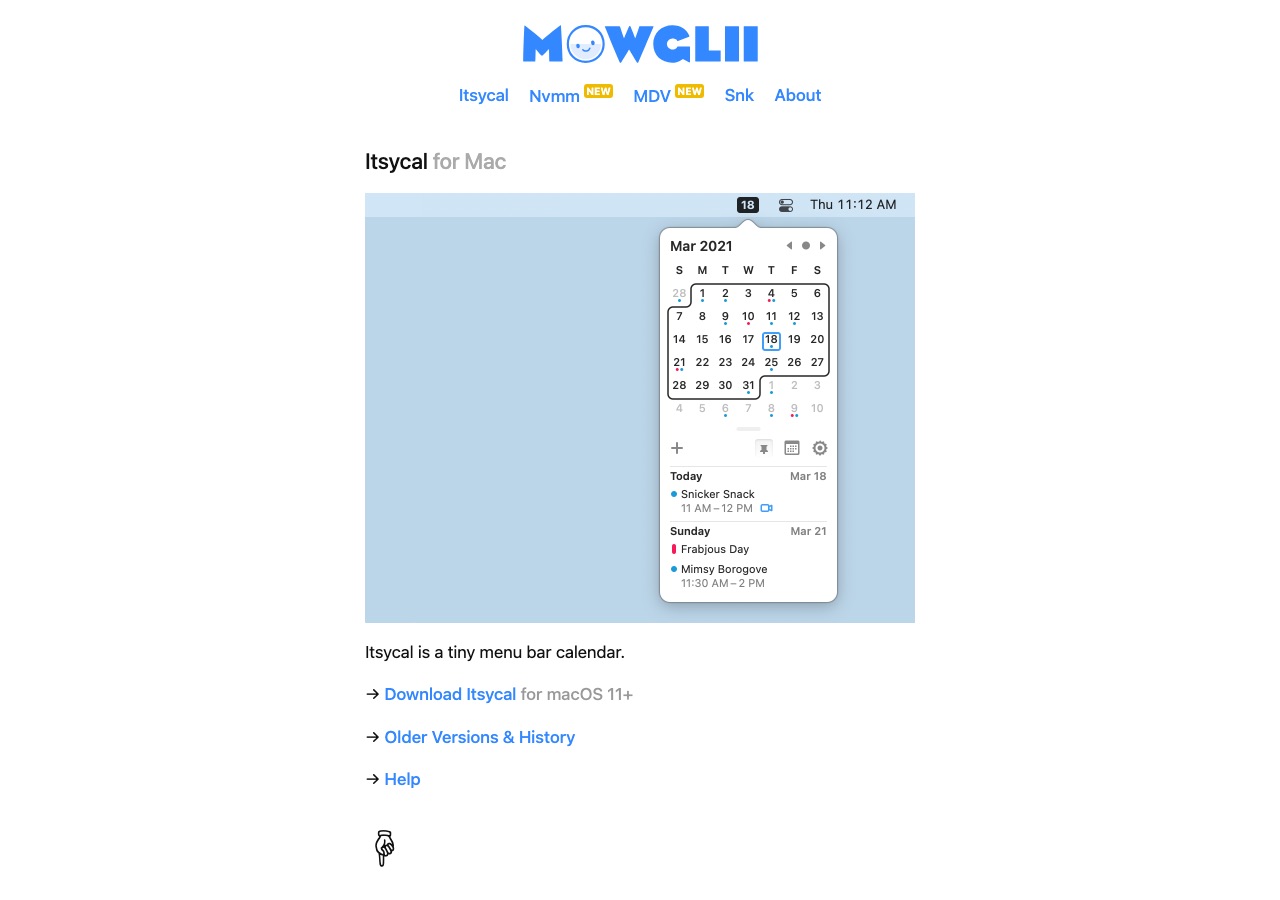
Itsycal is a calendar utility situated in the macOS menu bar. It displays up to two calendar months at a glance, integrates with the native Mac Calendar app, and allows users to create events or join video calls directly from the popover window. Itsycal can replace the default system clock, supports ISO week numbers, provides hourly chime reminders, and includes Vim keyboard navigation. Account registration is not required.
Pros:
- Free tool with direct download and no account registration
- Displays up to two calendar months with direct Mac Calendar event creation
- Includes ISO week numbers, hourly chimes, and Vim keyboard shortcuts
Cons:
- Narrow functionality limited strictly to calendar tasks without time tracking or focus tools
- Does not offer statistics or analytics reports
Best for: Users wanting fast menu bar calendar viewing, event creation, and video call links.
Checked against mowglii.com/itsycal on 12 August 2026.
4. Rize — Best for AI-assisted project time tracking
Platform: macOS
Price: Basic $9.99/month billed annually (500 AI credits), Pro $23.99/month (1000 credits), Max $39.99/month (3000 credits); monthly plans range from $12.99 to $39.99/month
Timer location: In the Mac menu bar
Standout feature: AI activity sorting across projects without manual input
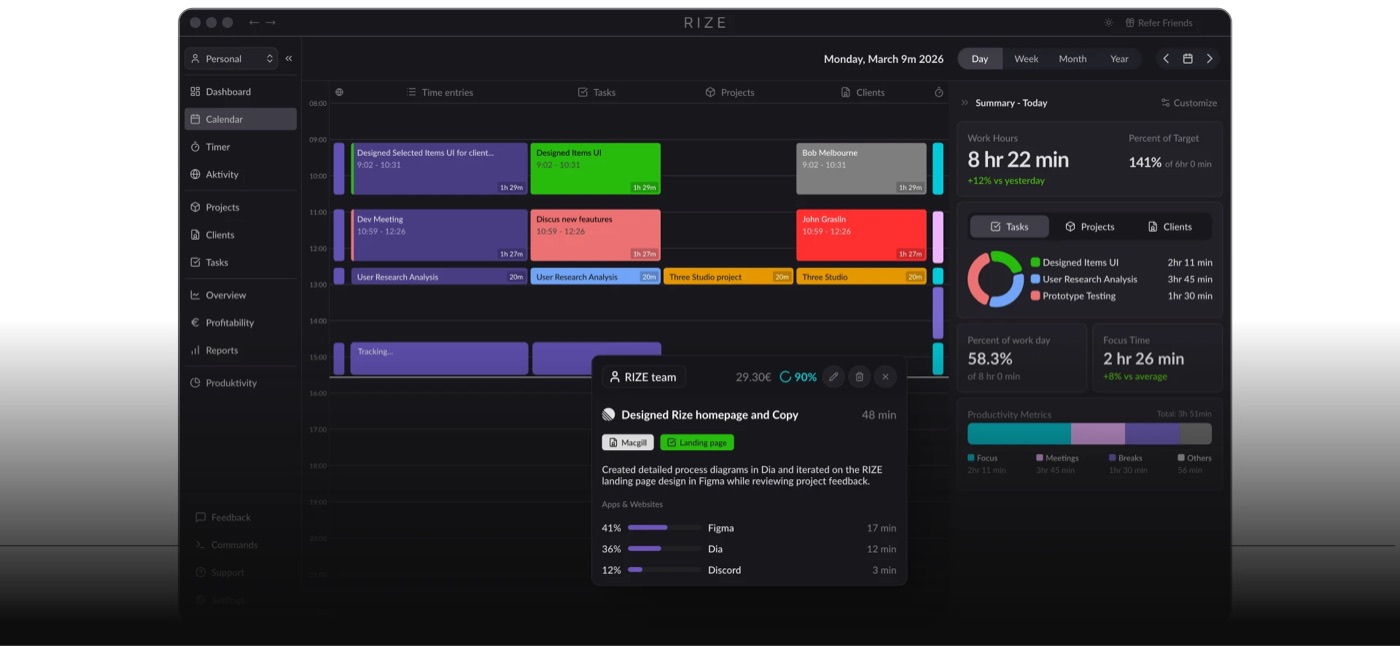
Rize is an automatic time tracking tool operating from the macOS menu bar. The software uses AI to sort computer activity across project areas without requiring manual data entry. Additional features include an AI productivity coach, distraction alerts, break notifications, and detailed timesheet reporting. Rize requires an account and offers a 7-day trial without a credit card.
Pros:
- Automatically sorts activity into project areas using AI
- Includes distraction warnings, break notifications, and an AI productivity coach
- Generates detailed timesheet reports
Cons:
- Contains no permanent free plan option
- Monthly AI credit limits restrict data processing volume across subscription tiers
Best for: Automatic time tracking with AI project sorting and distraction alerts.
Checked against rize.io/pricing on 12 August 2026.
5. Timing — Best for automatic app and document time tracking
Platform: macOS
Price: Professional $9/month billed annually ($108/year) or $10/month billed monthly, Expert $11/month, Connect $16/month
Timer location: In the Mac menu bar
Standout feature: Automatic tracking of apps, documents, and websites
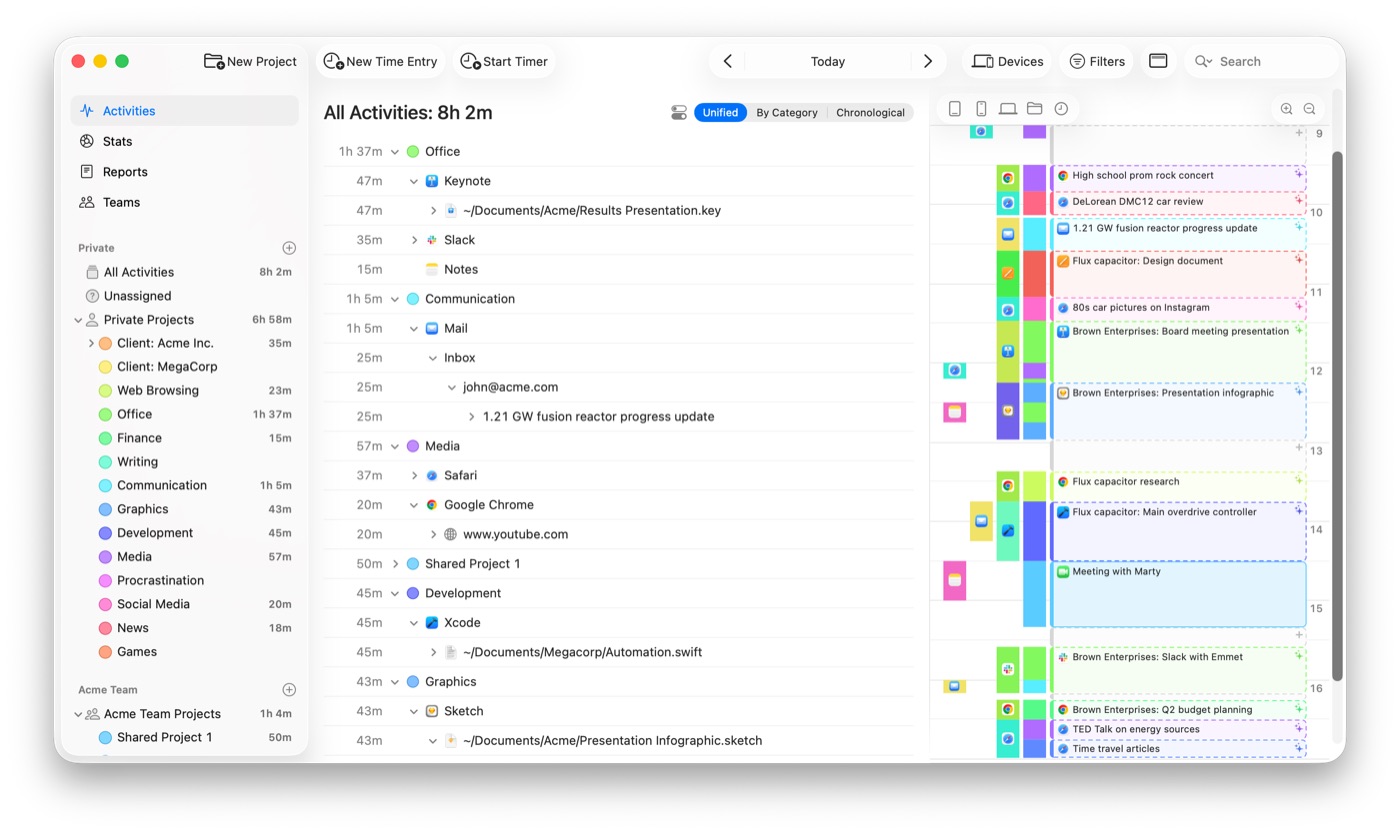
Timing records computer usage automatically in the background on macOS. The app tracks time spent in individual software programs, documents, and websites without manual timer controls. Reporting features are available starting from the Professional tier, while Expert adds report customization and filtering. Connect includes AI features and team capabilities. Account registration is required.
Pros:
- Tracks software, documents, and web browsing automatically in the background
- Provides client reporting tools starting on the base Professional plan
- Features report customization and team options on higher plan tiers
Cons:
- Subscription tiers restrict the number of allowed Macs (1 Mac for Professional, 2 for Expert, 3 for Connect)
- No permanent free plan available
Best for: Detailed background time tracking across software, websites, and client documents.
Checked against timingapp.com/pricing on 12 August 2026.
6. Amphetamine — Best for system keep-awake automation
Platform: macOS
Price: Free
Timer location: In the Mac menu bar
Standout feature: Automated keep-awake triggers based on Wi-Fi, battery, USB, or time
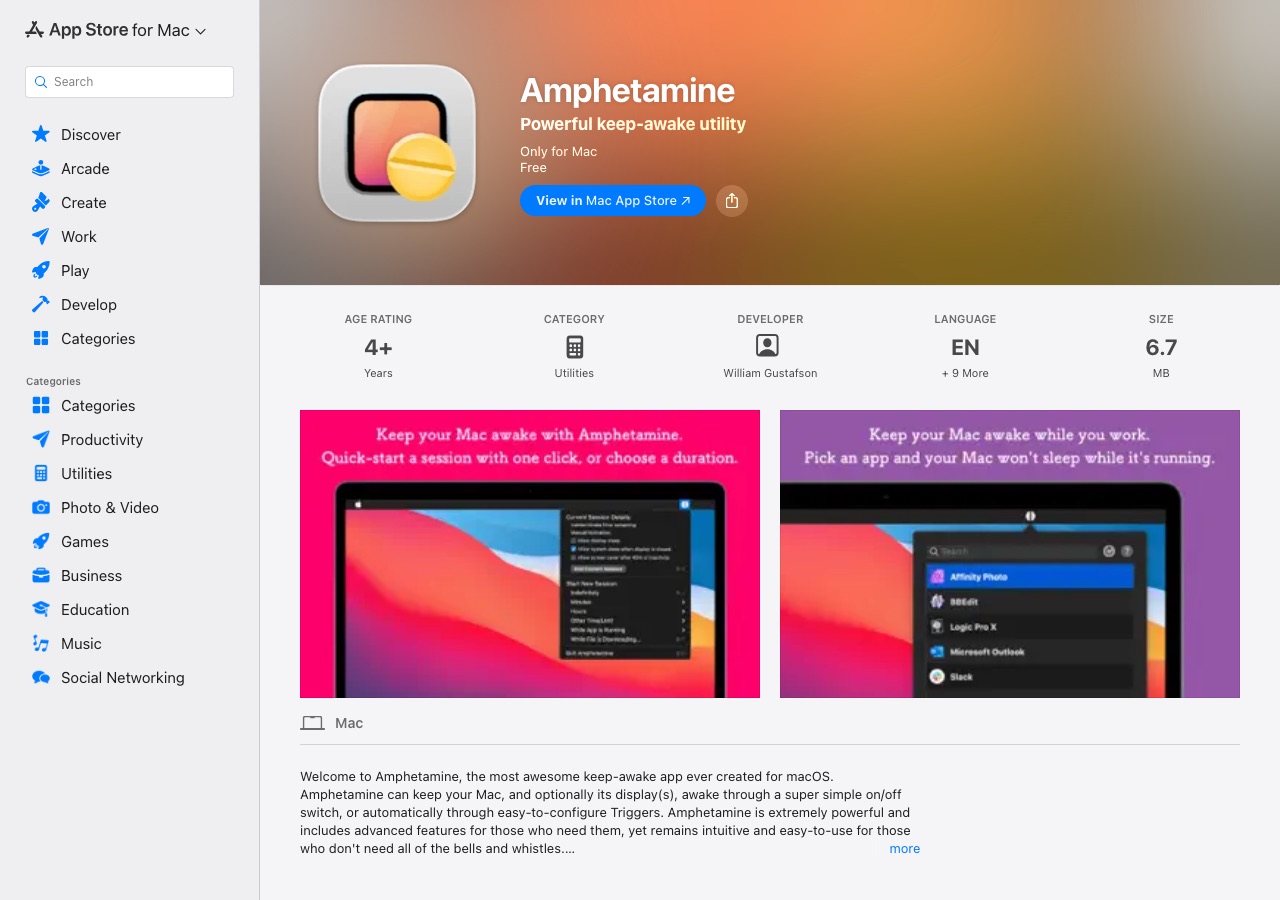
Amphetamine is a menu bar utility for macOS designed to prevent system sleep during long tasks. Users can trigger keep-awake sessions manually or automate them based on Wi-Fi connections, battery levels, USB or Bluetooth devices, connected displays, or specific running software. The utility includes separate display sleep options and Closed-Display Mode for closed MacBooks. It contains no ads or in-app purchases and requires no account.
Pros:
- Free software without advertisements or in-app purchases
- Offers extensive keep-awake automation using Wi-Fi, battery, device, and software triggers
- Supports Closed-Display Mode for MacBooks with closed lids
Cons:
- Assists productivity indirectly by keeping the Mac awake, without focus timers or task management
- Does not track session statistics or project time
Best for: Preventing Mac sleep automatically during long file transfers, renders, or downloads.
Checked against Amphetamine listing in the App Store on 12 August 2026.