Best Study Timer Apps for Mac
12 August 2026
Standard work timers provide basic countdown functionality, but study sessions often require specialized environments. Students on Mac seeking external structure, mutual presence, or gamified motivation can evaluate options ranging from menu bar timing and browser extensions to one-on-one video accountability and group study rooms.
Quick picks:
- Best for staying motivated during solo study sessions: Focus Kitten — Menu bar timer with an interactive kitten companion, room rewards, and ambient music.
- Best for cross-device visual tracking: Forest — Visual focus timer that builds virtual trees across browser extensions and mobile devices.
- Best for one-on-one video accountability: Focusmate — Scheduled browser video calls pairing users with virtual partners for mutual presence.
- Best for facilitated group sessions: FLOWN — Browser-based group focus sessions with live facilitators, recharge exercises, and student discounts.
- Best for group study rooms and streak tracking: StudyStream — Video study room platform with streak tracking, FocusBuddies, and AI study tools.
1. Focus Kitten — Best for staying motivated during solo study sessions
Platform: macOS (Apple Silicon and Intel)
Price: a subscription, 14-day free trial without a credit card
Timer location: In the Mac menu bar, native application
Standout feature: Kitten menu bar companion with room customization rewards
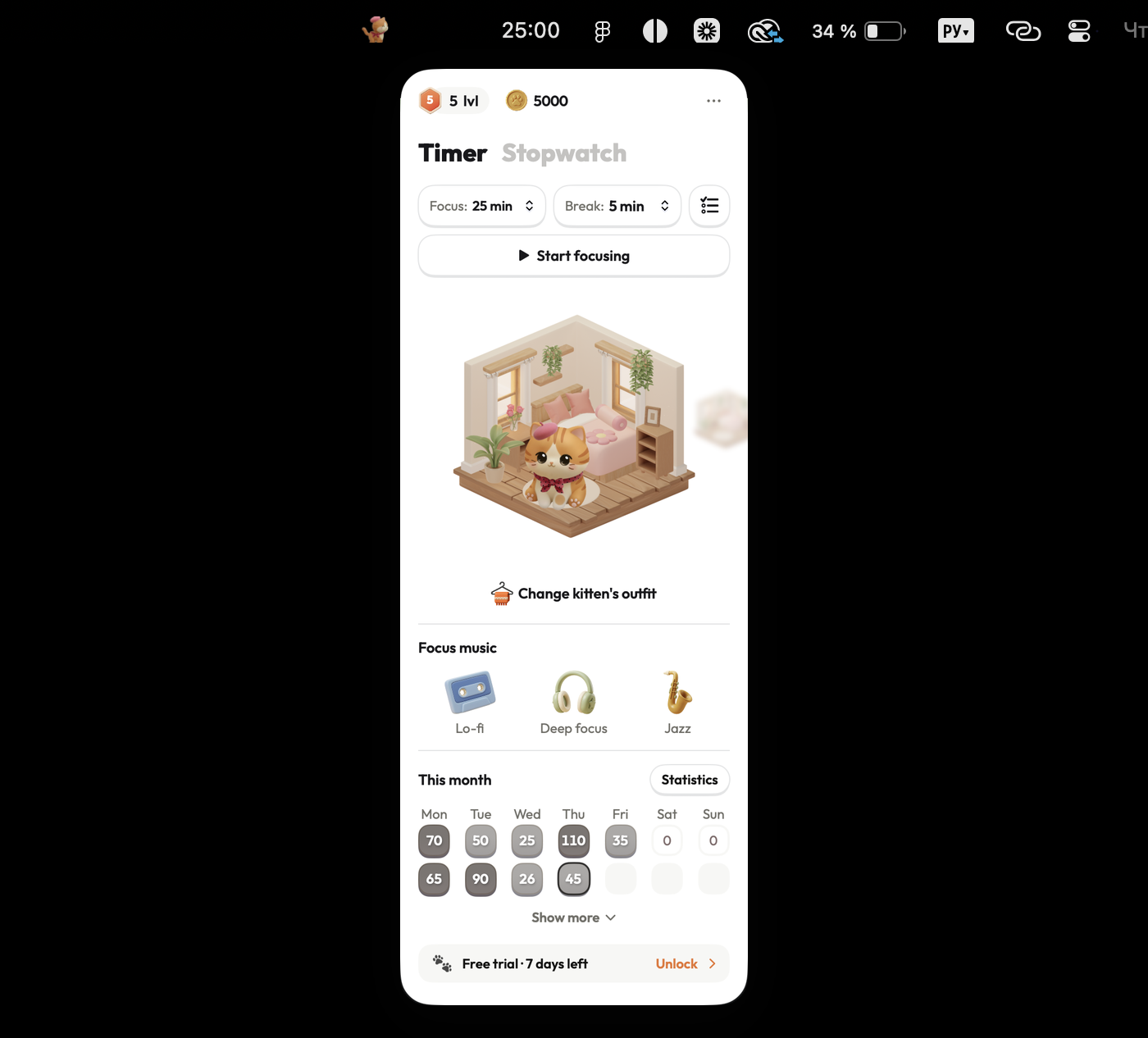
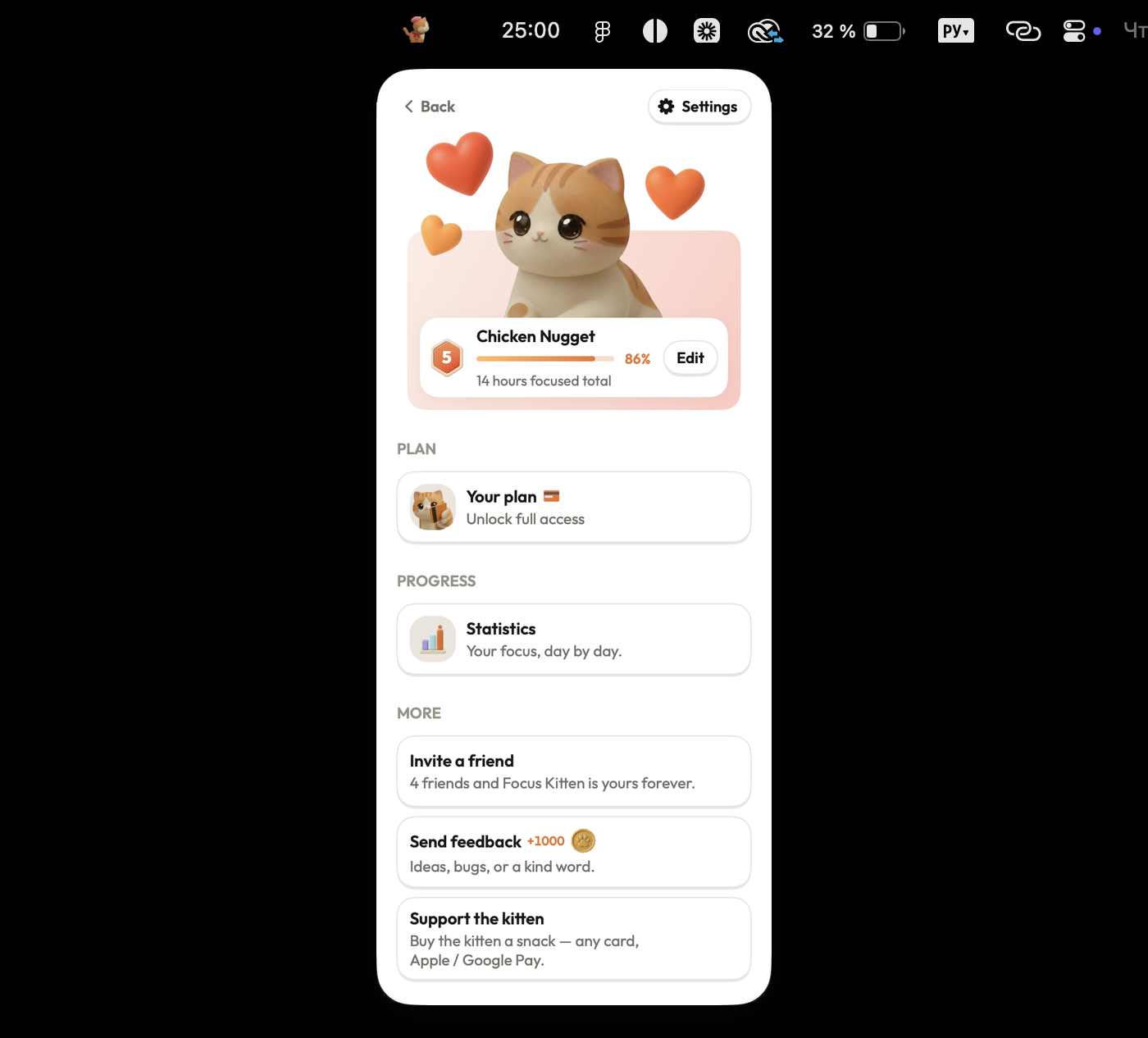
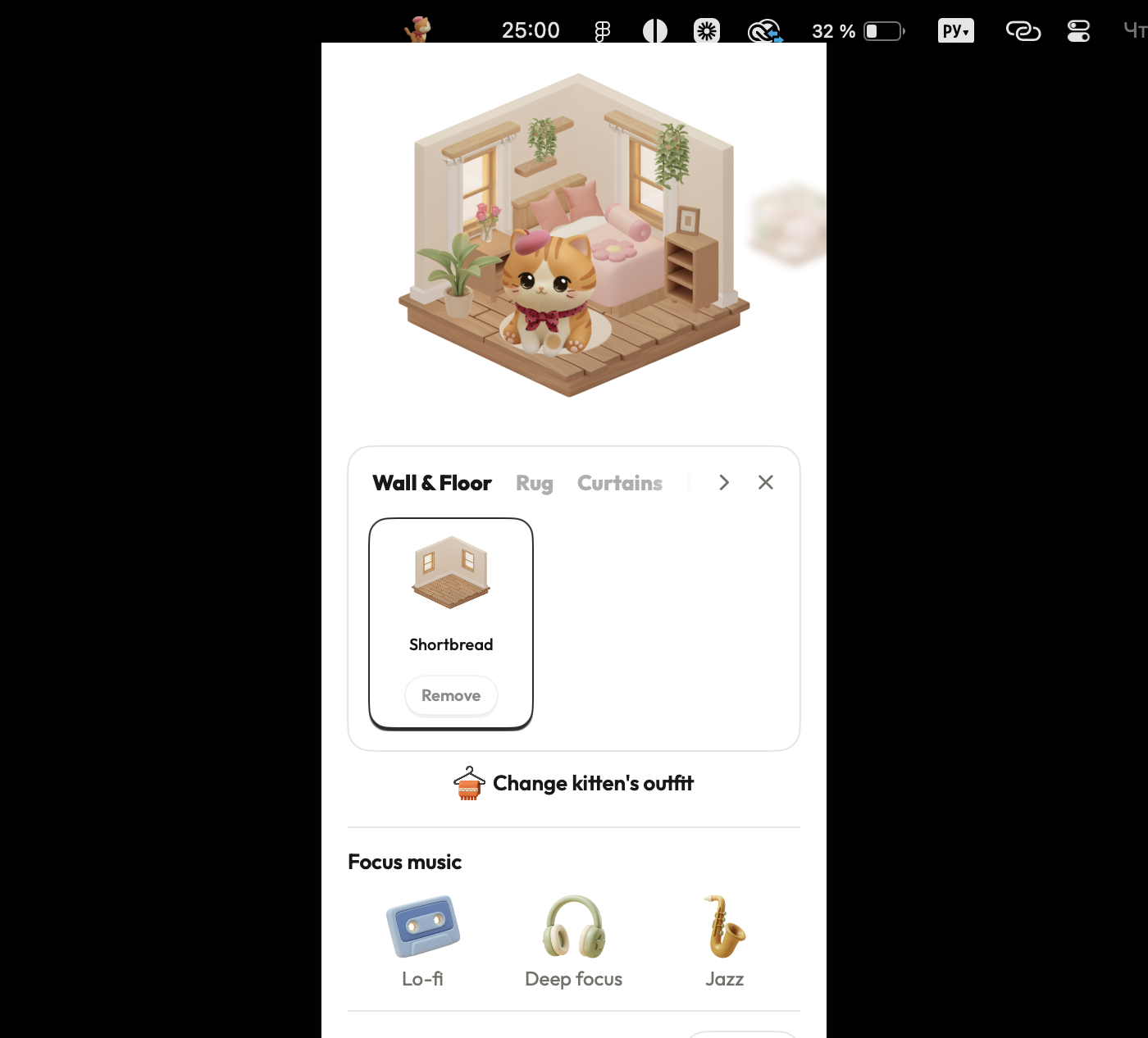
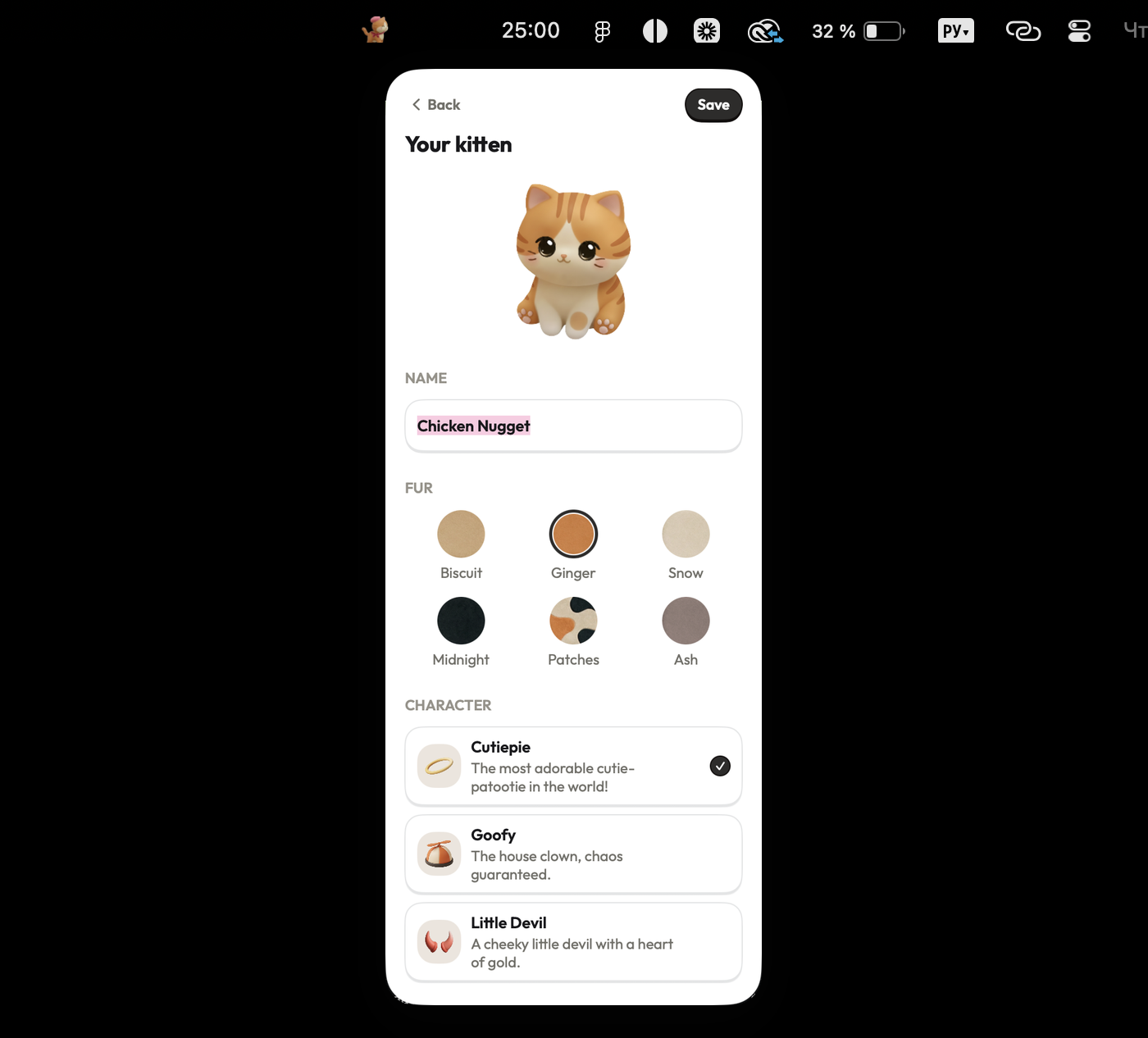
Focus Kitten operates as a native macOS application situated directly in the menu bar alongside an animated kitten companion. Completing study sessions between 1 and 180 minutes yields virtual coins that can be spent on furniture and outfits to decorate the kitten's room. The application includes built-in lo-fi, deep focus, and jazz audio tracks, alongside daily, weekly, and monthly statistical reports.
Pros:
- Runs natively in the macOS menu bar without taking up desktop space
- Offers flexible session lengths from 1 to 180 minutes
- Features built-in ambient audio options (lo-fi, deep focus, jazz)
- Provides visual rewards and room customization without deadline pressure
Cons:
- macOS only, with no Windows, Linux, or mobile versions available
- Paid subscription required following the 14-day free trial
- Operates strictly as a solo timer without shared sessions or video presence
Best for: Staying motivated through solo study sessions, without needing a group or a camera.
Checked against focuskitten.com (internal data) on 12 August 2026.
2. Forest — Best for cross-device visual tracking
Platform: Chrome and Firefox browser extensions on Mac, mobile app on phone, standalone iOS app
Price: $3.99 on iOS, free with ads on Android
Timer location: Browser extension on Mac
Standout feature: Virtual tree growing mechanics with session forest history
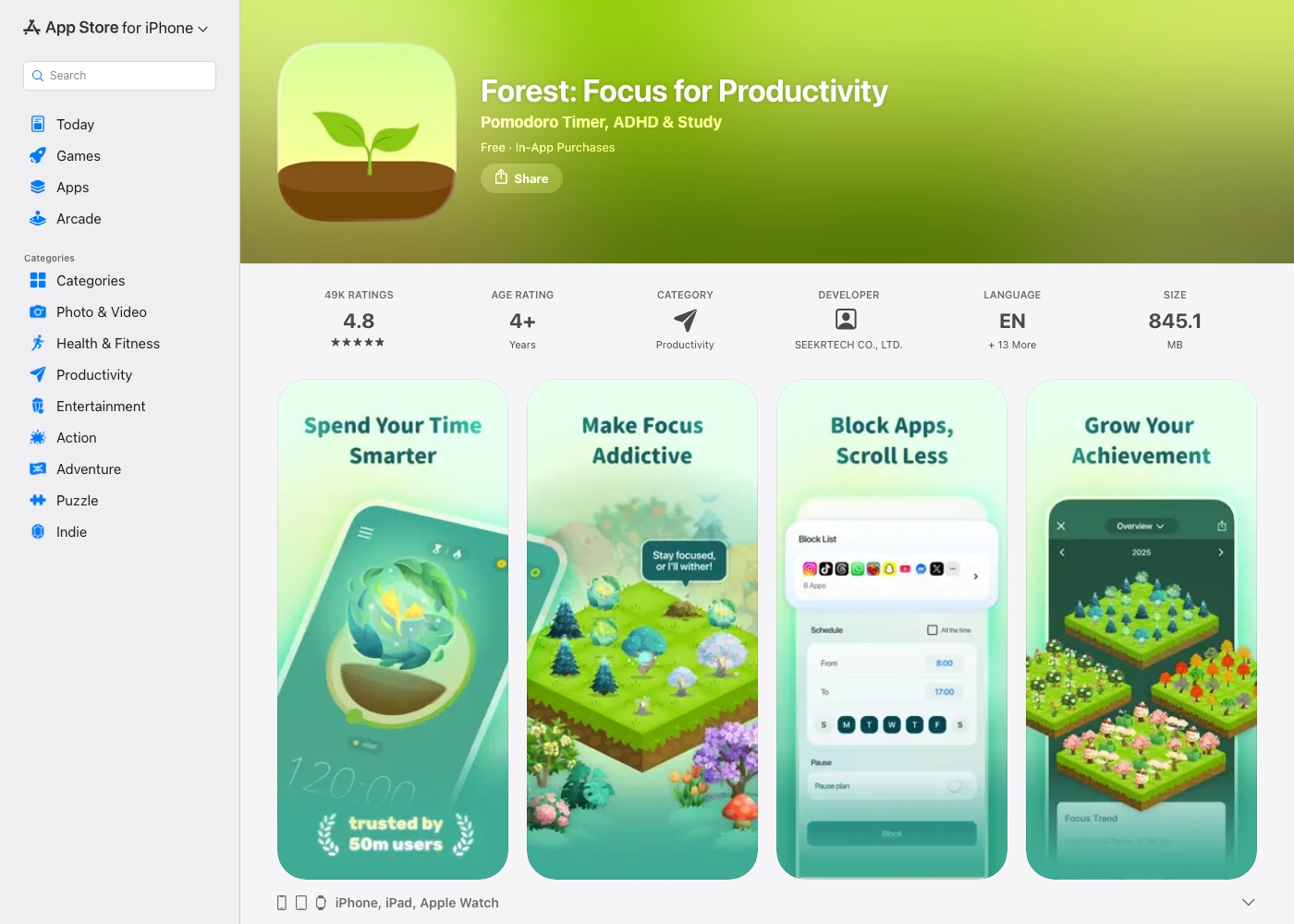
Forest uses visual gamification to encourage users to remain on task during focus blocks. A virtual tree grows on screen during a session and dies if the user exits the active browser tab. Completed timer sessions accumulate into a virtual forest representing past study history. On Mac, the service functions through Chrome or Firefox browser extensions rather than a dedicated desktop application, with performance summaries available across daily, weekly, and monthly views.
Pros:
- Visual representation of completed focus blocks over time
- Cross-device data synchronization via user account
- Preset interval timers for rapid session setup
Cons:
- Operates strictly as a browser extension on Mac without a native macOS desktop app
- Functions as a general focus timer rather than a dedicated study environment
Best for: Visual focus tracking across browser extensions and mobile devices.
Checked against forestapp.cc on 12 August 2026.
3. Focusmate — Best for one-on-one video accountability
Platform: Web browser only (no dedicated desktop application)
Price: Free (3 sessions per week, no credit card required); Plus ($8/month billed annually or $12/month billed monthly, unlimited sessions); Business (pricing on request)
Timer location: Scheduled browser session, not a standalone timer app
Standout feature: One-on-one video call with a partner for mutual presence
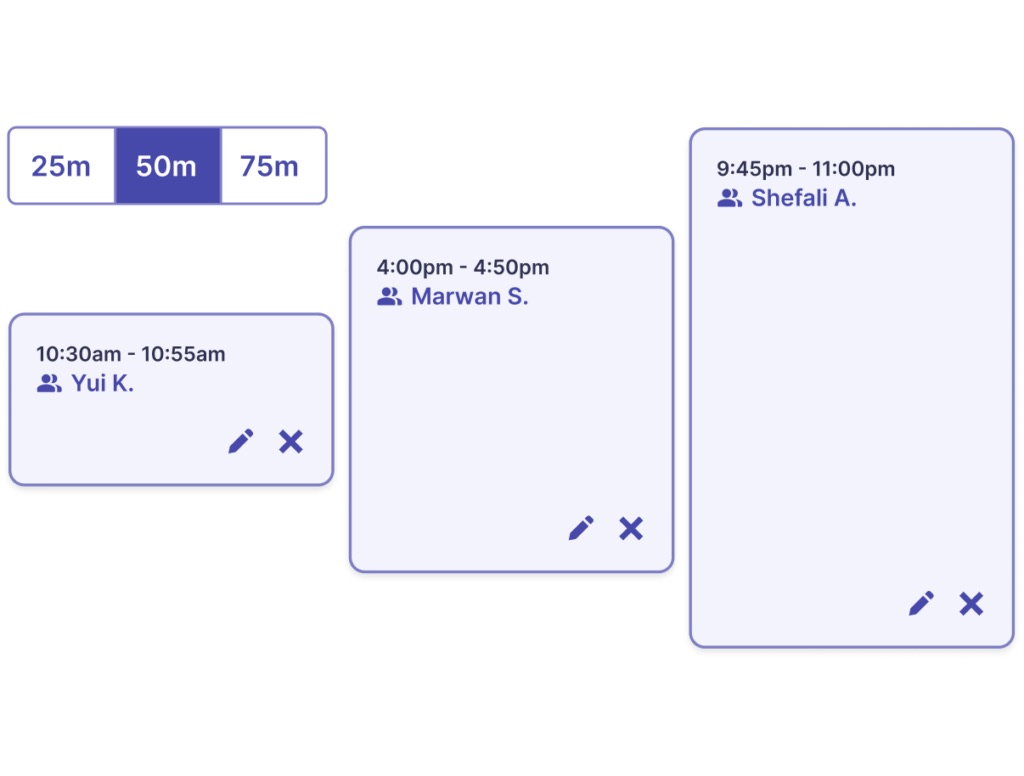
Focusmate provides virtual accountability by pairing users for video focus sessions conducted entirely inside a web browser. The process involves booking a scheduled slot, joining a video call to state goals, working quietly alongside the partner, and sharing progress at the end. Focusmate does not maintain personal user analytics dashboards, and the website notes the platform is in early stages of development.
Pros:
- Structured three-step workflow (booking, stating goals, reviewing progress)
- Mutual accountability provided by live video presence
- Free tier available for up to three sessions per week without a credit card
Cons:
- Operates strictly in the web browser without a dedicated Mac desktop application
- Requires camera to remain on for the entire call with face in frame
- Permits verbal conversation only at the start and end of sessions
Best for: One-on-one video accountability and body doubling inside a browser.
Checked against focusmate.com on 12 August 2026.
4. FLOWN — Best for facilitated group sessions
Platform: Web browser only (no dedicated desktop application)
Price: Pricing calculated at checkout; 30-day free trial without a credit card; permanent free tier (4 group sessions per month plus Friday access); 50% student discount with .edu email verification
Timer location: Scheduled browser video session
Standout feature: Live facilitated group sessions with recharge modules
FLOWN offers structured focus sessions led by live facilitators directly within a web browser. Formats include Drop-In, Facilitated, and peer-to-peer options, alongside recorded "Work-With-Me" videos and "Recharge" modules covering breathwork and meditation. While FLOWN does not provide an individual statistics dashboard, students with verified .edu email addresses receive a 50% subscription discount.

Pros:
- Offers live facilitated group sessions alongside recorded recharge activities
- Includes a 50% subscription discount for students with .edu email verification
- Provides a 30-day free trial without requiring a credit card
Cons:
- Operates strictly in the web browser without a dedicated Mac desktop application
- Expects a camera-on culture by default during live sessions
- Public pages do not display exact subscription prices prior to checkout
Best for: Group focus sessions with live facilitators and student email discounts.
Checked against flown.com on 12 August 2026.
5. StudyStream — Best for group study rooms and streak tracking
Platform: macOS App Store (ported iPad application, requires macOS 12.5+ and Apple M1 chip or newer)
Price: Premium Monthly $6.99, Premium Annually $69.99 (App Store lists Basic Monthly tiers at $1.99 or $3.99 depending on region)
Timer location: Standalone video application window
Standout feature: Live study video rooms with streak tracking and AI study tools
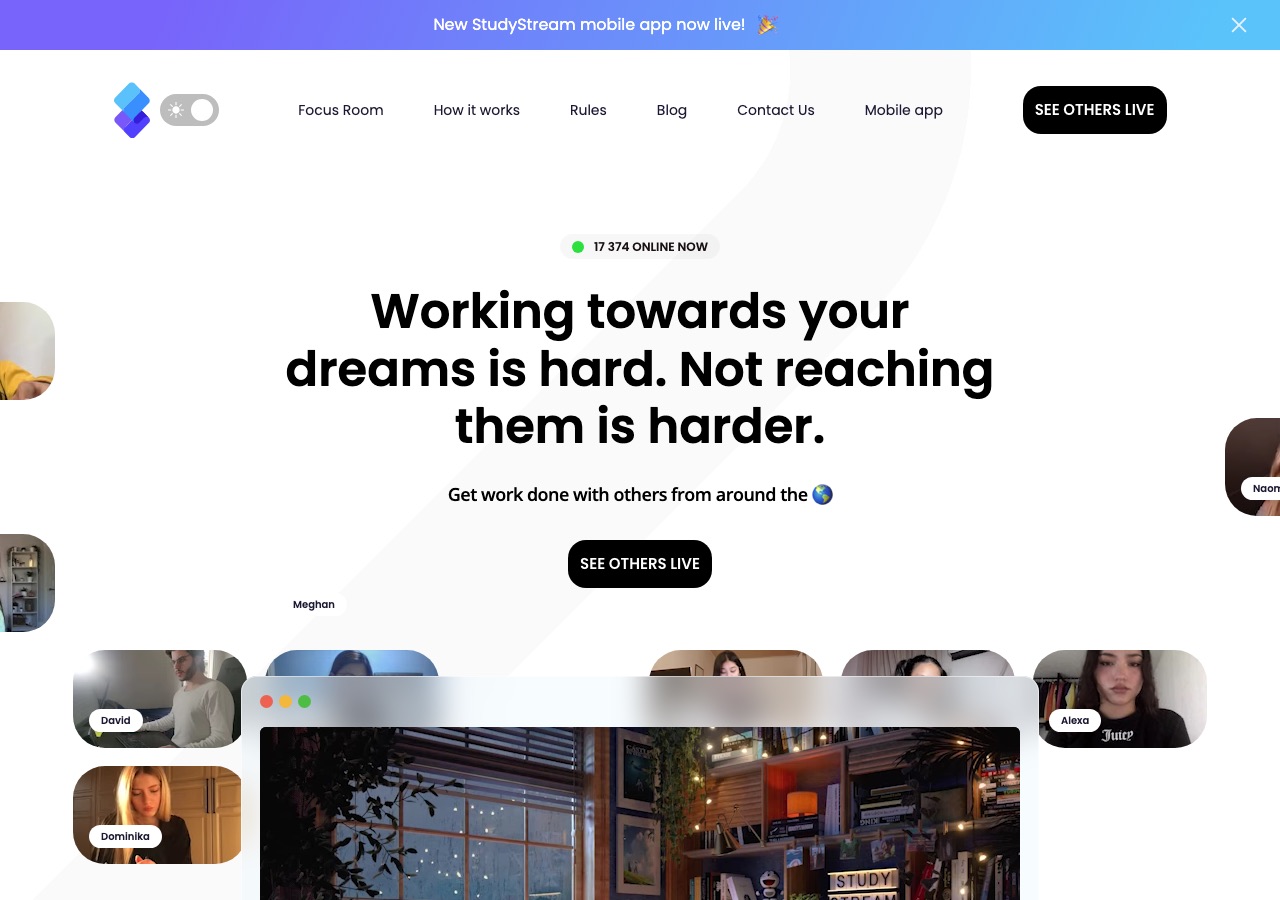
StudyStream is a video-based study platform available on Mac as a ported iPad application for Apple Silicon hardware. The app features live study rooms with cameras enabled for peer accountability, an in-room Pomodoro timer, and streak tracking. Additional utilities include FocusBuddies matching as well as AI-generated notes and quizzes.
Pros:
- Live video study rooms designed for mutual peer accountability
- Features built-in Pomodoro timers, streak tracking, and FocusBuddies matching
- Includes AI tools for note generation and quiz creation
Cons:
- Non-native macOS interface resulting from an iPad application port
- Requires a Mac with an Apple M1 chip or newer running macOS 12.5 or later
- Mandatory camera usage during live video room sessions
Best for: Live video study rooms, peer matching, and AI study tools on Apple Silicon Macs.
Checked against StudyStream listing in the App Store on 12 August 2026.